87
MICROCHOICE
HANDPIECES
C
3.5.4 Leverless Handpiece Operation
PRECAUTIONS:
1. Before attempting to remove the
Handpiece Activation Lever, ALWAYS
place the “SAFE/RUN” Slide in the
“SAFE” position.
2. Always remove the Activation Lever
when operating the handpiece with a
footswitch.
3. If a footswitch is in use and the hand-
piece Activation Lever has not been
removed, depressing the Activation
Lever will not control the handpiece until
use of the footswitch has been discontin-
ued.
Warning: Do not use an XL
Activation Lever (5020-059) with the
Sagittal Saw. Injury may result.
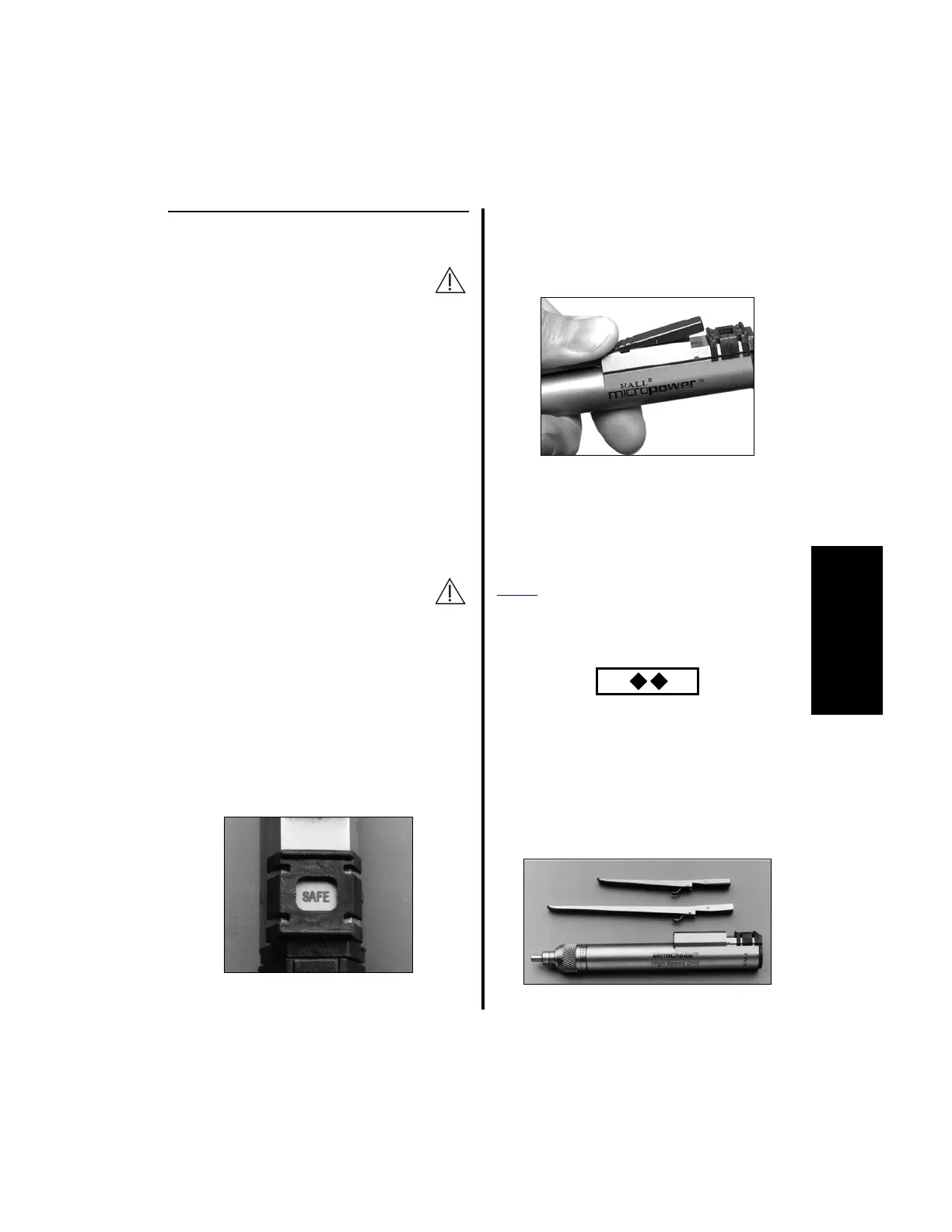
1. To remove the handpiece Activation Lever:
(a) Place the “SAFE/RUN” Slide in the
“SAFE” position.
(b) Depress the ribbed portion of the
Activation Lever. Push towards the
“SAFE/RUN” Slide until it disengages
from the handpiece.
NOTE: If a levered handpiece is connected
to the controller while disengaging the Lever,
“MAGNETIC FIELD” will display if the
controller is set to Text Display mode.
If the handpiece is being used in the
Power
Pro controller or Port 3 of the
Advantage controller, and switch 5 is set to
Graphical Display mode, the controller will
display:
2. To reattach the handpiece Activation Lever:
(a) Insert the Lever pins into the grooves
and reverse the above steps.
NOTE: If the original Activation Lever is
too short, remove it and attach an XL
Handpiece Activation Lever (5020-059).















 To Next Page