11
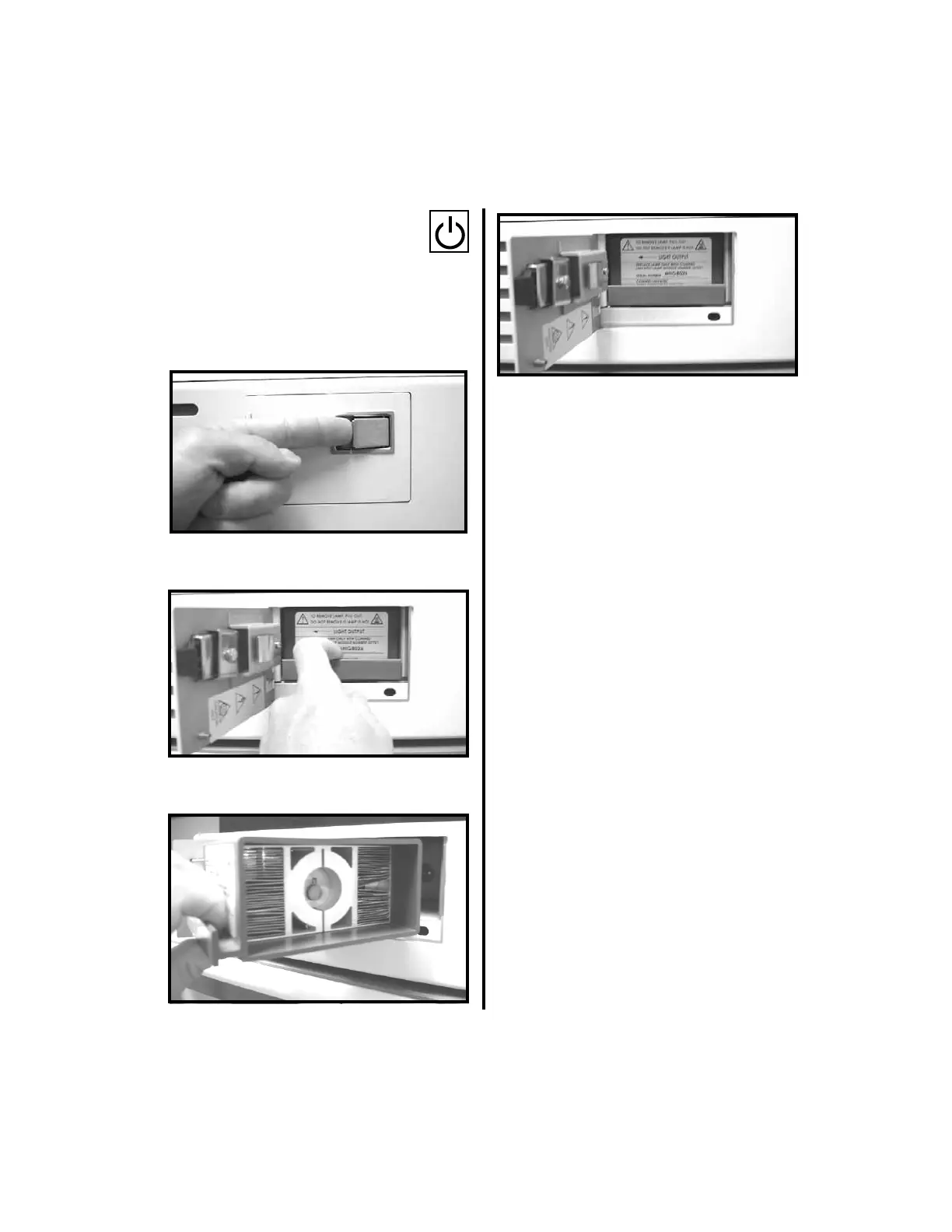
1. Depress the POWER button to the
off position.
2. Unplug the light source. Allow to cool
before proceeding.
3. Flip the latch on the lamp access door
towards the back of the unit and pull the
door open.
4. Remove the lamp module by pulling
outward.
5. Insert the new lamp module into place until
it seats.
6. After installation is complete, close and
secure the door.
NOTE: Follow local governing ordinances
and recycling plan regarding disposal of
device components.















 To Next Page