EasyManua.ls Logo

Contax 167MT - Film Speed Setting; Automatic Setting

Contax 167MT
68 pages
Print Icon
To Next Page IconTo Next Page
To Previous Page IconTo Previous Page
Loading...
i
,ooo-G;;;=-
,.u00
0g
1-
J)
l-
el,
Three types
of
film speed setting
are available
on this
camera.
After the
f ilm
speed
is
sef
in
each case,
be
sure
to
press
the
ISO Button to check the
film
speed
which has been set.
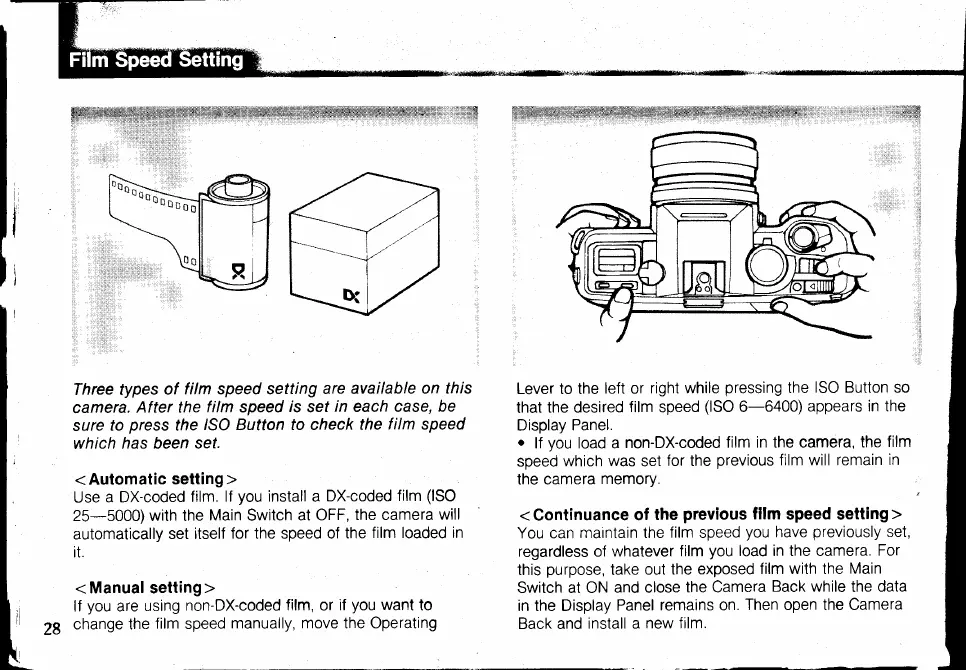
<Automatic
setting>
Use
a DX-coded
film.
lf
you
install a
DX-coded
film
(lSO
25-5000)with the
Main
Switch
at OFF,
the camera
will
automatically
set itself
for the speed of
the
film loaded in
it.
< Manuat setting>
lf
you
are
using
non-DX-coded
film,
or
if
you
want
to
change the
film
speed
manually, move the Operating
Lever to the
left or
right while
pressing
the
ISO Button so
that
the desired
film speed
(lSO
6-6400)
appears
in the
Display
Panel.
o
lf
you
load a
non-DX-coded
film in the camera, the
film
soeed
which
was
set
lor the
previous
film will remain
in
the camera
memory.
<Continuance
of
the
previous
fifm
speed setting>
You can
maintain the
film
speed
you
have
previously
set,
regardless of whatever
film
you
load in the camera.
For
this
purpose,
take
out the
exposed
film with the
Main
Switch at ON
and close
the Camera
Back while
the
data
in the Display
Panel
remains on.
Then open the Camera
Back and
install a
new ftlm.

Table of Contents

Related product manuals