iil.
Z
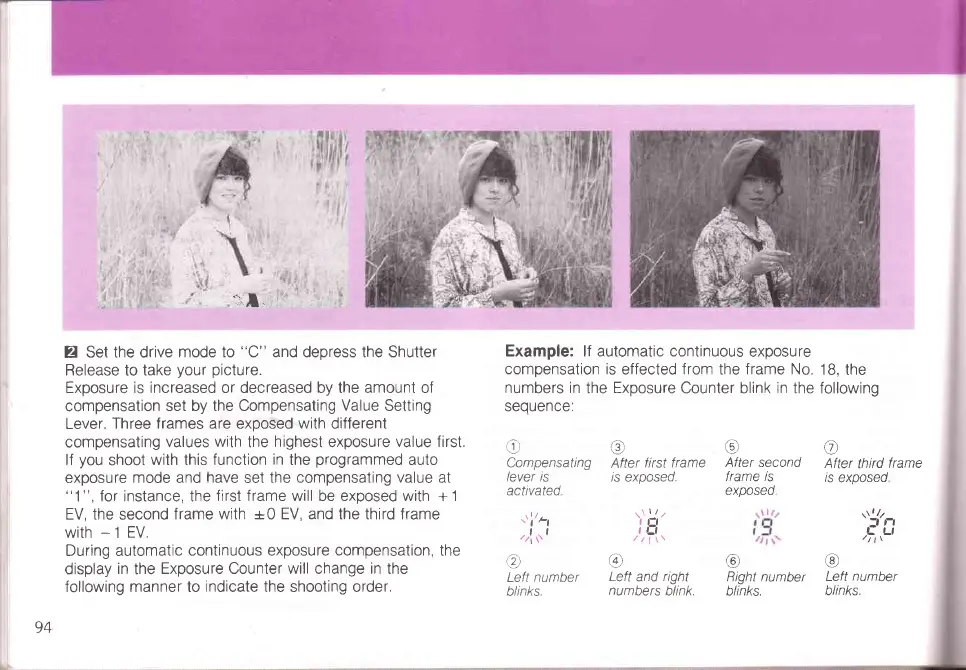
Set the drive
mode to
"C"
and deoress the Shutter
Release to take
your
picture.
Exposure
is increased or decreased by the amount of
compensation
set by the Compensating
Value
Setting
Lever.
Three frames are exposed with different
compensating
values
with
the
highest
exposure
value first.
lf
you
shoot
with this function
in
the
programmed
auto
exposure mode and
have
set the
compensating value at
"1",
for instance, the
first frame will be exposed with
+
1
EV, the second
frame with +0 EV, and the third frame
with
-
1
EV.
During automatic
continuous exposure compensation, the
display
in
the
Exposure Counter will change in the
following manner to
indicate
the shooting order.
Example: lf automatic continuous
exposure
compensation is
effected
from
the
frame No.
18,
the
numbers in
the
Exoosure
Counter blink in the followino
seouence:
e
Compensating
lever ts
activated
,r,l
r,
I
Q)
Left number
blinks.
o
After first
frame
/s exposeo.
I
eLl
@
Left
and
right
numbers
blink.
@
After second
frame is
@
After third
frame
is
exposed
r\l/z
:f
t-l
h,,Lt
@
Left number
blinks
/;\
r€,
Right number
blinks.
94



 To Next Page