Preparing a VFC400-USB for first use VFC400-USB User Guide 16
only pre-start readings are present in the logger. Using pre-start readings is a good way
to avoid data loss if you forget to start the unit, as you can still access the data using
Control Solutions VTMC.
Start delay
If you configure the VFC400-USB to start after a delay period, the logger will not
immediately record temperature readings after you have pressed START/CLEAR/STOP, but
start a countdown timer instead, and record readings only after the timer has ended.
The value for the timer is set during configuration. If pre-start readings are enabled,
these will continue to be recorded during the delay period.
Date/Time start
The logger will start taking temperature readings at the date and time you enter during
configuration (local time). You cannot combine a date/time start with pre-start readings
or the start delay function.
Alarm Configuration Options
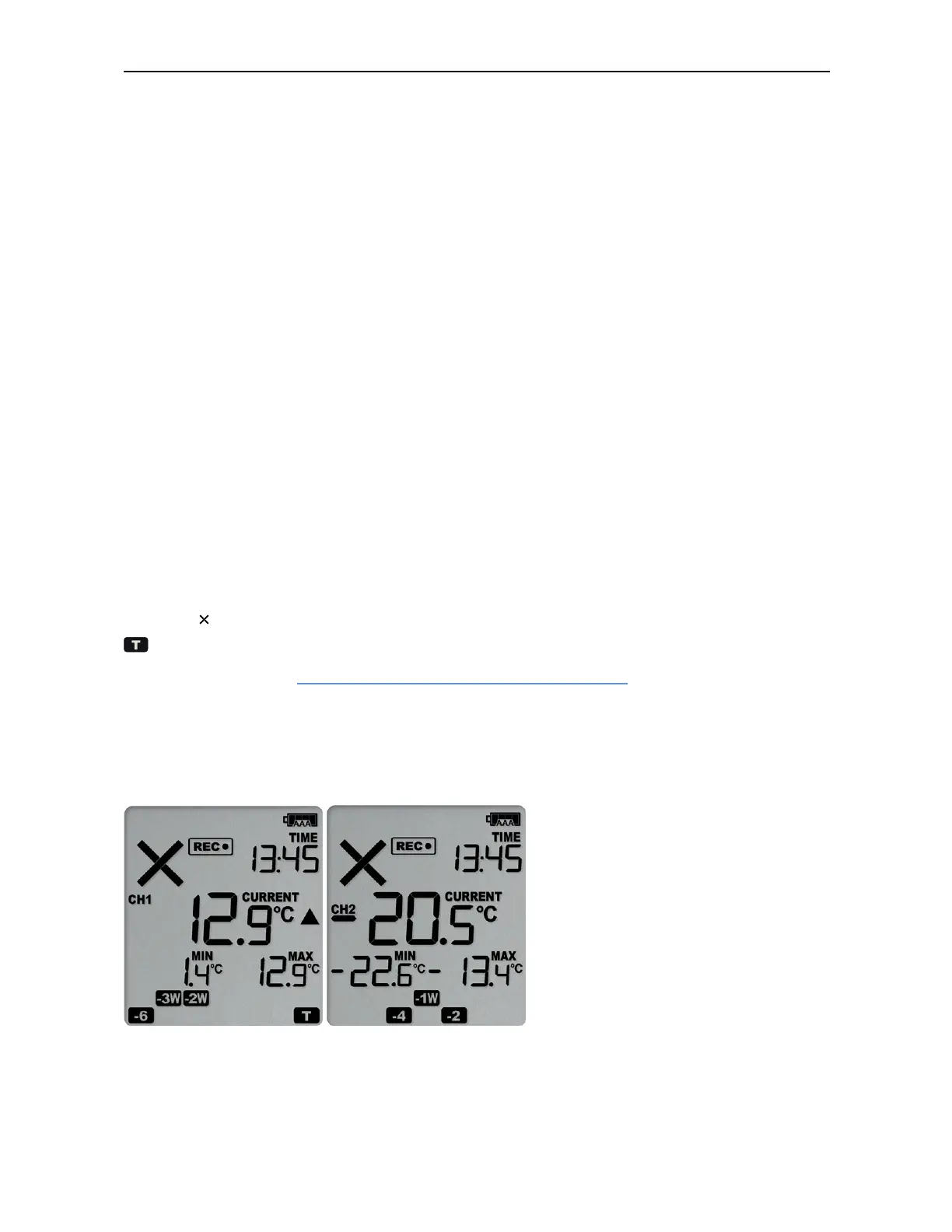
The VFC400-USB can display an alarm if one or more of the configured alarm trigger
conditions have been met. This is indicated on the display by showing the Alarm
Indicator and a Day Alarm Marker.
is shown for an alarm triggered today, other markers are shown for alarms triggered
on previous days, see Day Alarm Matrix Display while recording for details on which
marker is displayed for which day. Alarms are registered separately for each channel,
and will only be shown on the corresponding channel's screen. Additionally, the red
LED will blink every 4 seconds. The LED blinks until active Alarms on both channels are
cleared.



 To Next Page