MiniWarden/PoolWarden + (PLUS) Operation Manual • www.poolwardentraining.com • 12
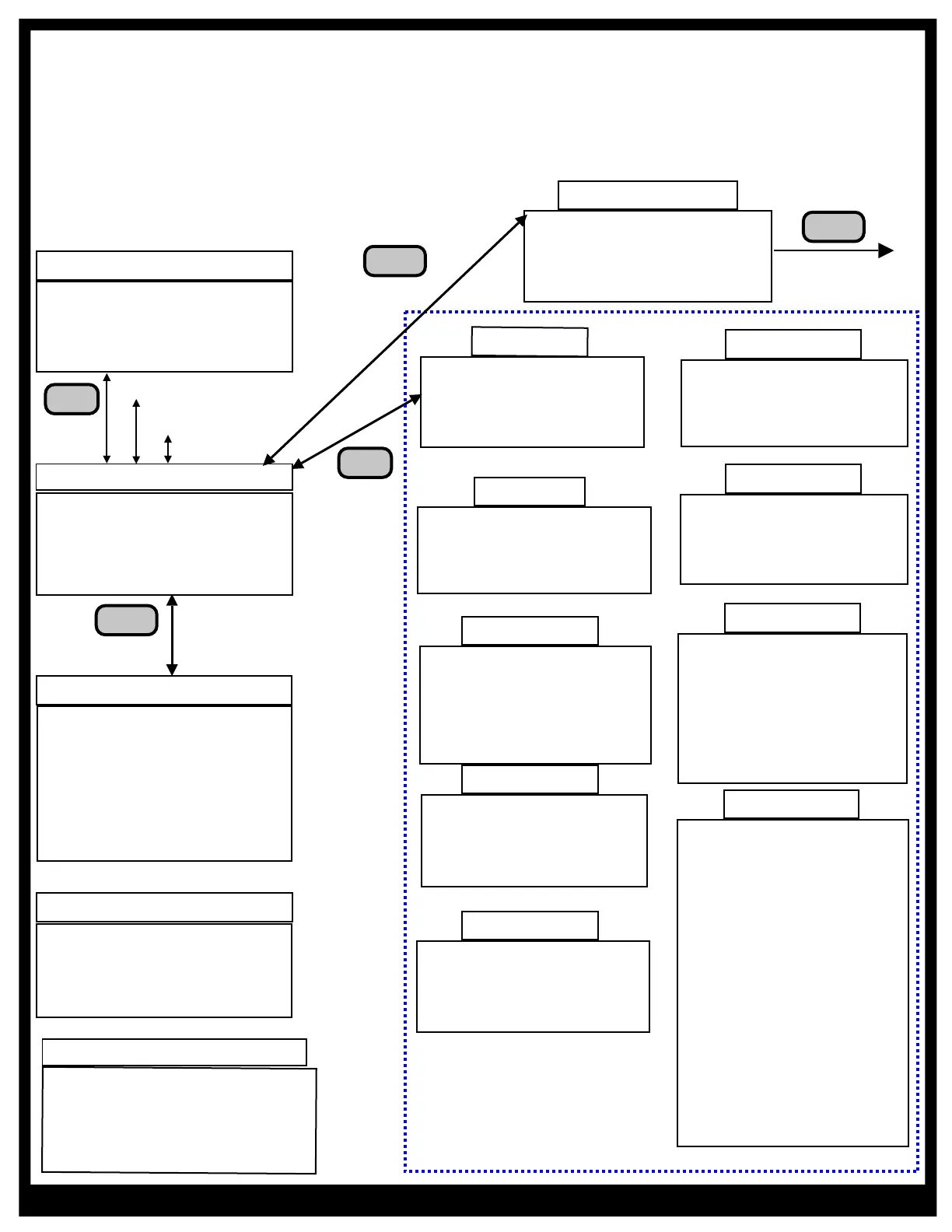
PoolWarden/MiniWarden Menu Structure
Simply press the Back button from the Readings Screen to gain access to the “Main Menu”. From the
“Main Menu” use the Up & Down arrow keys to navigate to each sub menu item and press Enter to go to
that sub menu or selection. Accessing the Main Menu can be password protected and the available
selections will be dependent on the security level of the password.
Menus
Readings Screen
ORP pH Tf Flow
681 7.7 75 1:_a
695 7.5 102 2:_a
RlyP1↑↓o_ P2_↓o_
Internet
Data Server Setup
Information
WIFI Connect
Software Update
Security
Master 0
Operator 0
Service 1 0
Service 2 0
Langelier and Ryzner
Enter measurements in
the Handy menu to
enable the index
Indexes
Press
Up Key
UP
Service
Relay Manual Mode
Clear Overfeed Times
Disable All Relays
Calibration Poo1
TrueDPD
Manual Control
Reagent: Powder
DPD Bottle: 4 oz
Pool1 Cycle:00:30:00
Pool2 Cycle:01:00:00
From Dusk Hour 0PM
Night Time Setpoints
ORP1 0 Orp2 0
to Dawn Hour 0AM
CYA
Service Internet
TrueDPD Security
Relays Printer
CYA Setup
Main Menu
Press
Back Key
Back
m
v
Handy Menu
Daily Noon Data
Past Data
Enter Measurements
Relay Information
About Screen
Enter a Code
Startup Screen
Press
Down Key
Down
Pool 1 Active Alarms
On if PPM < 1.0
Alarm Screen
Press
Right Key
Right
TrueDPD Readings Screen
PPM ORP pH Tf Flow
1.5 681 7.7 75 1:_a
2.5 781 7.3 104 2:da
RlyP1↑↓o_ P2_↓o_ 55%
m
v
PoolWarden+ Pool/Spa
Chemical Automation
SN:790860 04/30/18
05/01/18 11:15:58
Startup Screen
Right
For alarms
on Pool 2
Relays
Ph1 ORP1 AUX1
AUX2 Alarm1
Ph2 ORP2 AUX3
AUX4 Alarm2
Printer
Print Interval 4 hrs
Print Data Now
Print Last 7 Days
Printer MAC Address
00:11:22:33:44:55
Remove Printer
Print Setup
Setup
Units: English
Pools: 2 (Dual)
Names Menu
Aux1: Not Used
Aux2: Not Used
Aux3: Not Used
Aux4: Not Used
Factory Defaults
PH/ORP Ctrl: Mixing
TrueDPD: Enabled
Time Zone - Pacific
Unused Rly Cmds:Show
Alarm Deltas: On
P1 pH LKout min/hr 0
P2 pH LKout min/hr 0
2: ORP Quick Menu
3: pH Quick Menu



 To Next Page