Layout of the touchscreen pages
minis easyTOUCH user manual 51
The 'Manage pictures' page
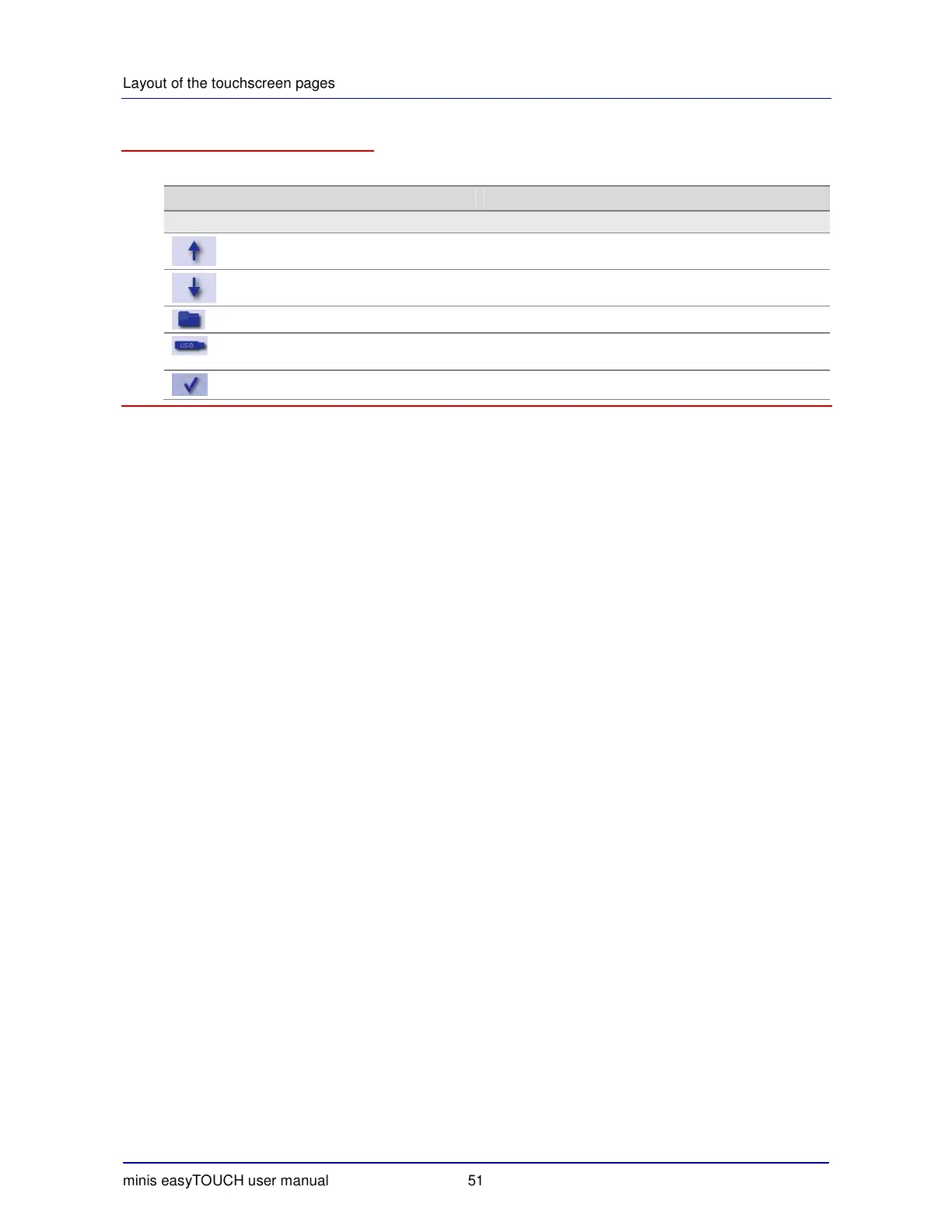
The buttons on the 'Manage pictures' page have the following meanings and functions:
Button Meaning Function
Main selection
Up Scroll up.
Down Scroll down.
Folder Selects the folder containing the picture.
USB Selects the USB port as the source for the picture (only
enabled if a USB device is connected).
Confirm Saves the entry and closes the page.


 To Next Page