Layout of the touchscreen pages
minis easyTOUCH user manual 54
► The General page
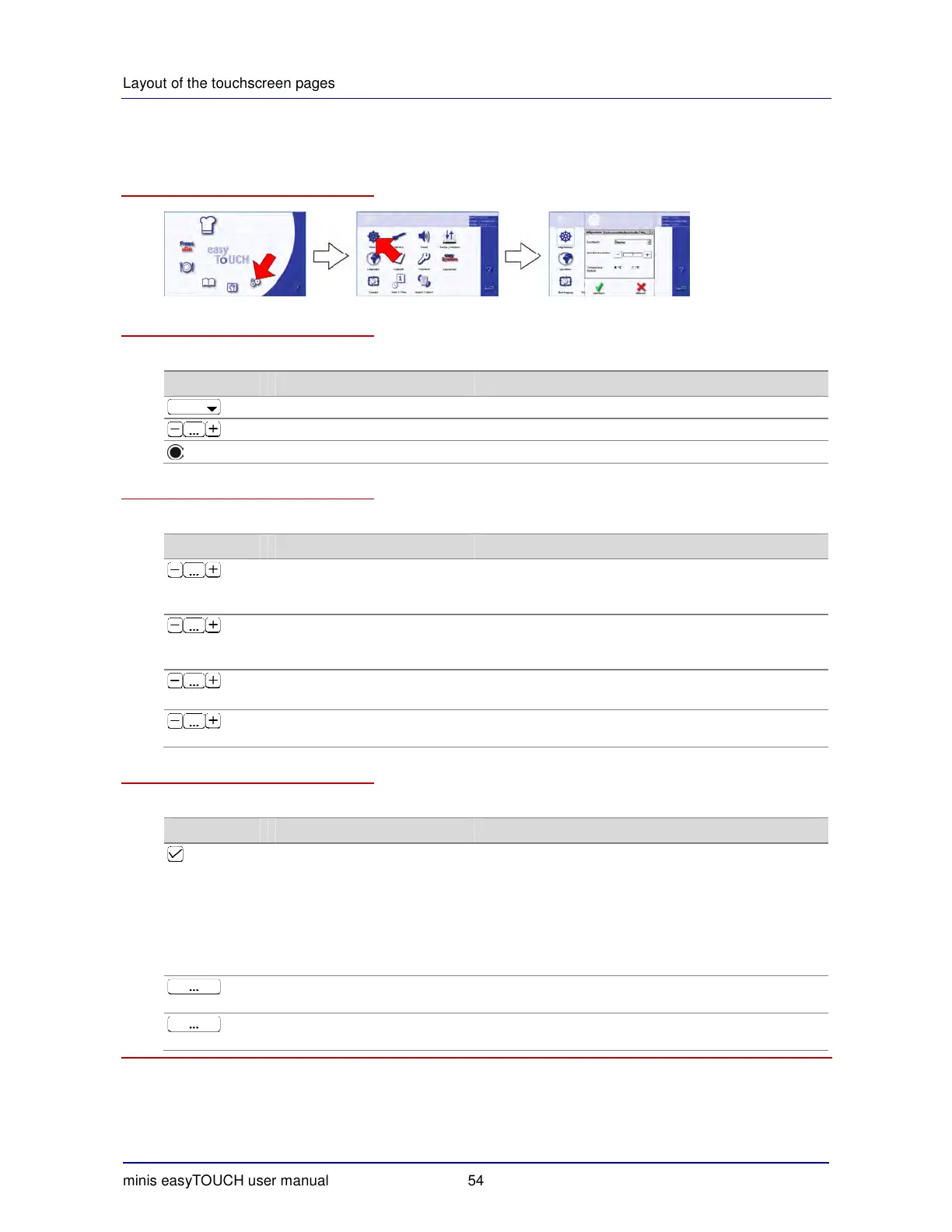
How to access the 'General' page
The 'General' tab
The 'General' tab contains the following functions:
Menu type Meaning Function
Cookbook Selects the cookbook
Number of shelves Selects the number of shelves that can be used
Temperature units Selects °C or °F as the temperature units
The 'Food inspection' tab
The 'Food inspection' tab contains the following functions:
Menu type Meaning Function
Preheat time (sec) Preheat time input:
Time for which temperature held after reaching the
preheat temperature
Preheat tolerance ( °C) Input of preheat temperature tolerance:
e.g. preheat temperature is deemed reached at 20 °C
lower for instance
HACCP temp interval (sec) Input of HACCP data transfer interval:
e.g. data transferred every 120 sec
Max. failure time (sec) Input of maximum time for a power failure before a warn-
ing is issued that the product is spoiled.
The 'Cleaning' tab
The 'Cleaning' tab contains the following functions:
Menu type Meaning Function
Level 1 -
Light soiling
Level 2 -
Moderate soiling
Level 3 -
Heavy soiling
Level 4 -
Very heavy soiling
Selection of cleaning level(s) to be available on the 'Clean'
page
AutoClean temperature
(60°C - 100°C)
Input of fully automatic cleaning temperature when using
cleaning agents other than original products
Cleaning agent dosage
(1 - 10)
Input of cleaning agent dosage when using cleaning
agents other than original products


 To Next Page