How to operate the touchscreen
minis easyTOUCH user manual 60
► Turning the combi steamer on / off
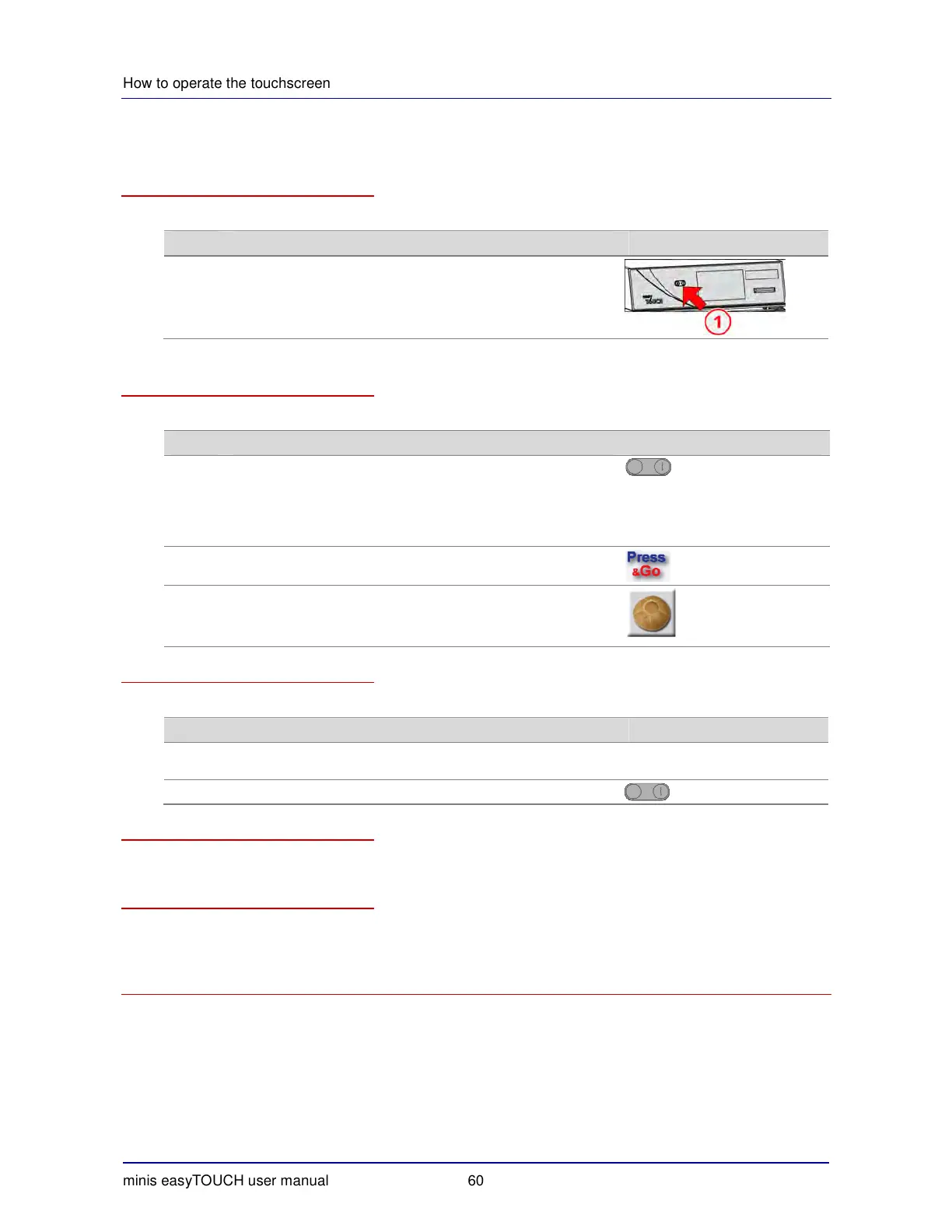
Switching on the combi steamer
To switch on the combi steamer, follow the steps below:
Step Action Illustration
1 Switch on the combi steamer.
What happens when you switch on the combi steamer
The combi steamer performs the following routine when switched on:
Phase Description Button
1
Switch on the combi steamer.
Result:
Self-test performed
The oven light will turn on.
The Start page is displayed.
2 Select your cooking program.
3 Start the cooking program.
Result:
the selected cooking program will start immediately.
Switching off the combi steamer at the end of the working day
To switch off the combi steamer at the end of the working day, follow the steps below:
Step Action Button
1 Perform the necessary cleaning tasks as specified in the cleaning
and maintenance schedule.
2 Switch off the combi steamer.
Switching off the combi steamer before prolonged breaks in use
Switch off the water and power on site before prolonged breaks in use.
More on this ...
Related topics
>
Basic working procedure for cooking ................................................................................................. 64
>
Basic working procedure for regenerating ......................................................................................... 73


 To Next Page