CF3000 - USER MANUAL
58
Pre-Alarms
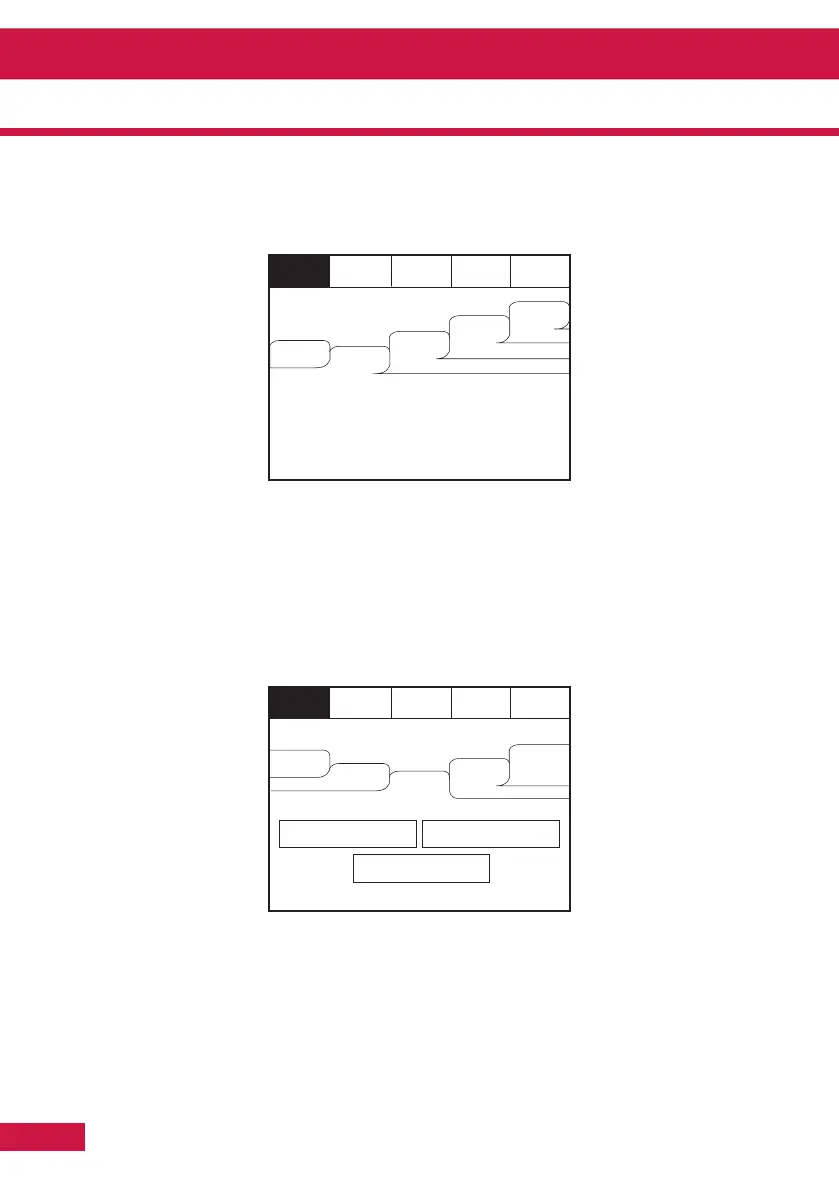
Enter the Supervisor Mode and Select “Pre-Alarms” tab.
A pre-alarm is shown when a detector appears to register heat or smoke but in a quantity that is
insufficient to warrant an alarm. Pre-alarm may indicate a build up of dirt in a smoke detector which can
be interpreted by the detector as smoke presence.
Disabled Devices
Enter the Supervisor mode and Select the “Disabled” tab.
The individual buttons show which devices and the number of devices which have been disabled. Press
one of the buttons to display detailed information for a particular category
Section 4 - Panel Controls and Indicators



 To Next Page