CF3000 - USER MANUAL
94
Configure Heat Detectors
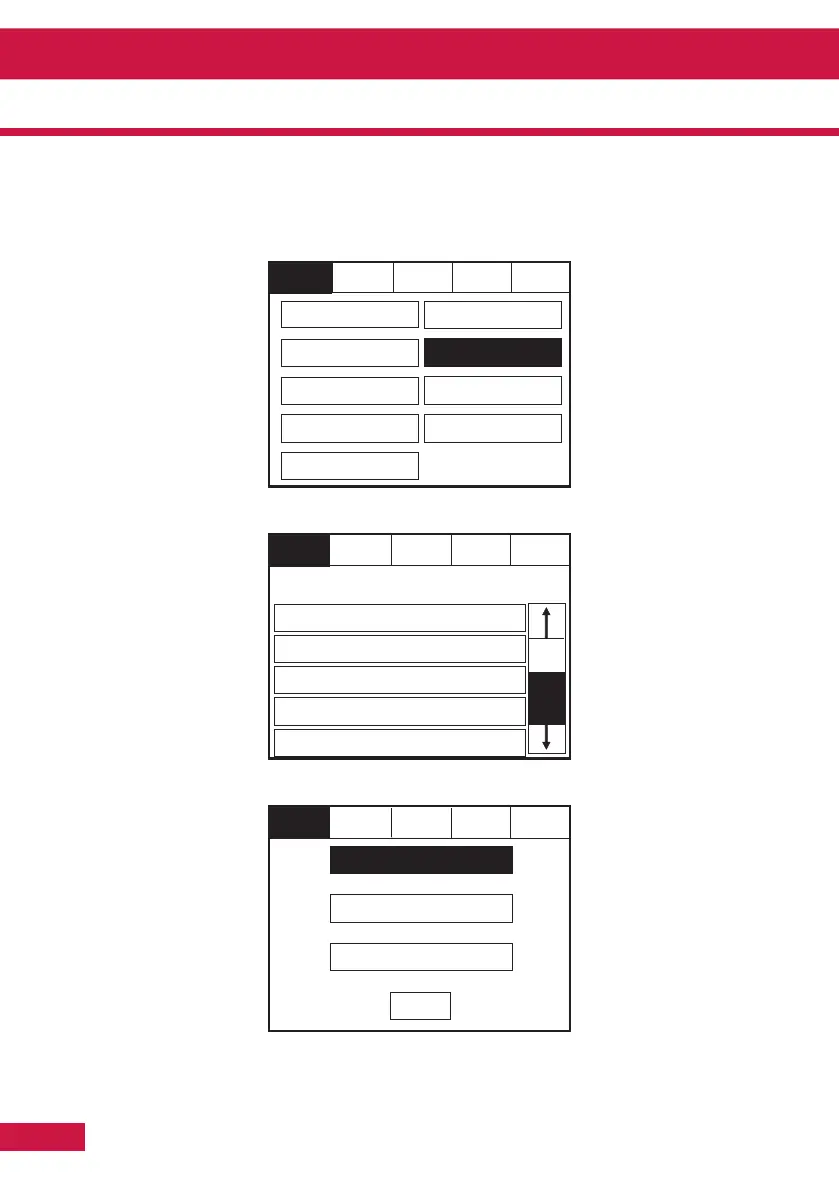
Enter the Service Mode and Select Configure. Select “Configure Heat Detectors”
Select appropriate detector class
Section 4 - Panel Controls and Indicators
Select a Device to
Configure
Reset
Service
FRE Off
Thermal A1R
Thermal BS
Thermal CS
Exit
Reset
Service
FRE Off
Exit
Touch row to delete
001
Device 1, Zone 1
Loop: 1, Zone 1, Type: Opto / Thermal
002
Device 2, Zone 2
Loop: 1, Zone 2, Type: Opto / Thermal
003
Device 3, Zone 1
Loop: 1, Zone 2, Type: Opto / Thermal
004
Device 4, Zone 2
Loop: 1, Zone 2, Type: Opto / Thermal
005
Device 5, Zone 1
Loop: 1, Zone 1, Type: Opto / Thermal
Goto
Exit
Service
FRE Off
Reset
Programming I/O
and Sounders
Network
Change Passcode
Configure Zones
Change Text
Change Date/Time
Add/Delete
Configure Heat Detectors
Language
Mute
Buzzer



 To Next Page