2C9-4
1-6-15
Yes
No
Start
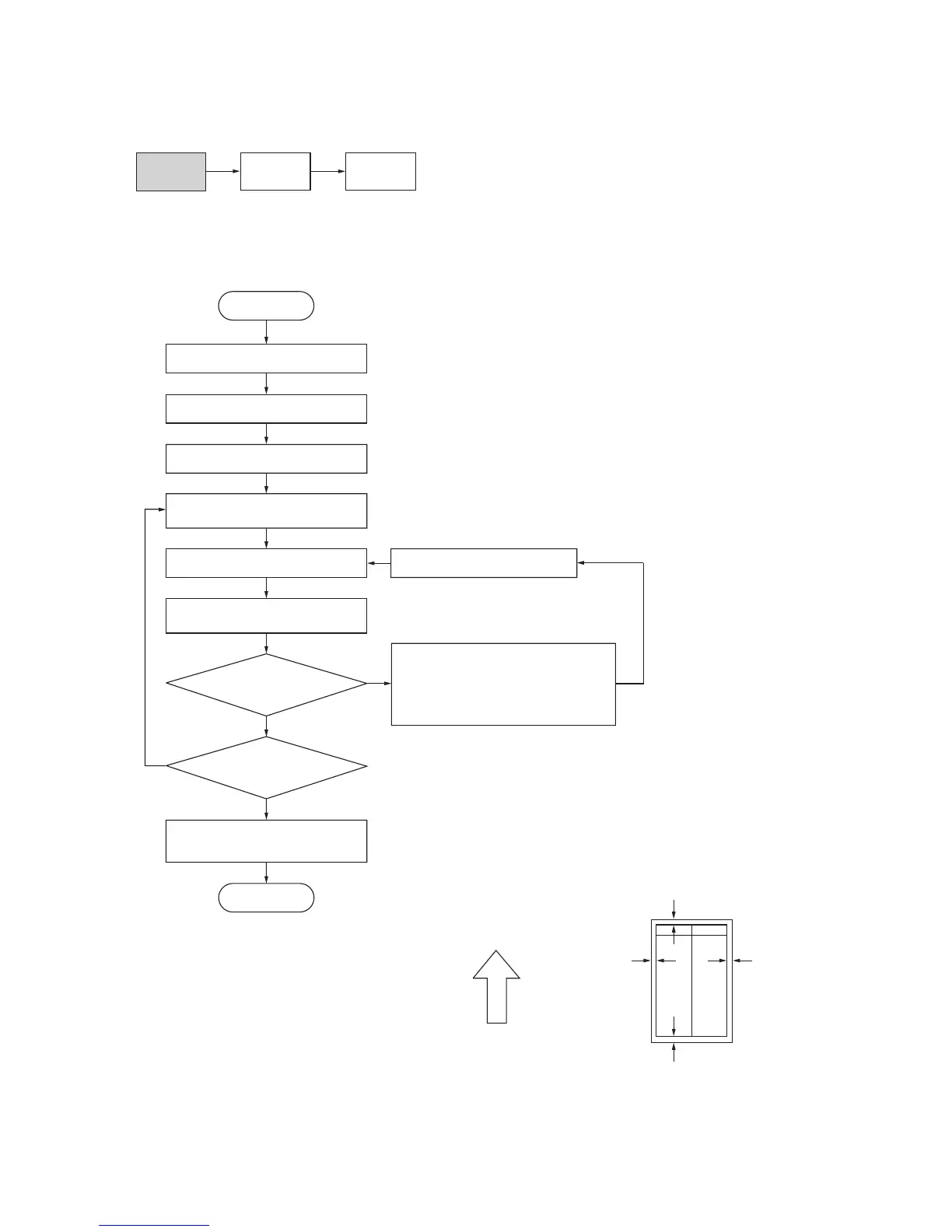
Enter maintenance mode.
Enter “402” using the numeric keys.
Press the start key.
Press the start key to output a test
pattern using A3/11" x 17" paper.
Press the start key.
The new setting is stored.
Setting range (initial setting/change in value per step)
Printer leading edge margins: 0.0 – +10.0 (3.0/0.5 mm)
Printer left/right margin: –5.0 – +10.0 (3.0/0.5 mm)
Printer trailing edge margin: –5.0 – +10.0 (4.0/0.5 mm)
Select the item to be adjusted using
the copy exposure adjustment keys.
Are the margins correct?
Change the setting.
Increasing the value using the zoom (+)
key makes the margin wider.
Decreasing the value using the zoom (–)
key makes the margin narrower.
Press the interrupt key.
Copy exposure adjustment keys
Exp. 1 (lit): Printer leading edge margin
Exp. 2 (lit): Printer left/right margins
Exp. 3 (lit): Printer trailing edge margin
Yes
No
Press the stop/clear key to
exit maintenance mode.
End
Proceed to
another mode?
(7-5) Adjusting the margins for printing
Make the following adjustment if the margins are not correct.
Caution:
Check the copy image after the adjustment. If the margins are still incorrect, perform the above adjustments in mainte-
nance mode.
Procedure
Figure 1-6-27
U402
U403
(P. 1-6-32)
U404
(P. 1-4-36)
Ejection direction
(reference)
Printer leading edge margin
(3 ± 2.5 mm)
Printer
left margin
(2.5
+1.5
mm)
Printer
right margin
(2.5
+1.5
mm)
Printer trailing edge margin
(3 ± 2.5 mm)
–2.0–2.0



 To Next Page