2C9
1-4-45
1-4-2 Copier management
In addition to a maintenance function for service, the copier is equipped with a management function which can be oper-
ated by users (mainly by the copier administrator). In this copier management mode, settings such as default settings can
be changed.
(1) Using the copier management mode
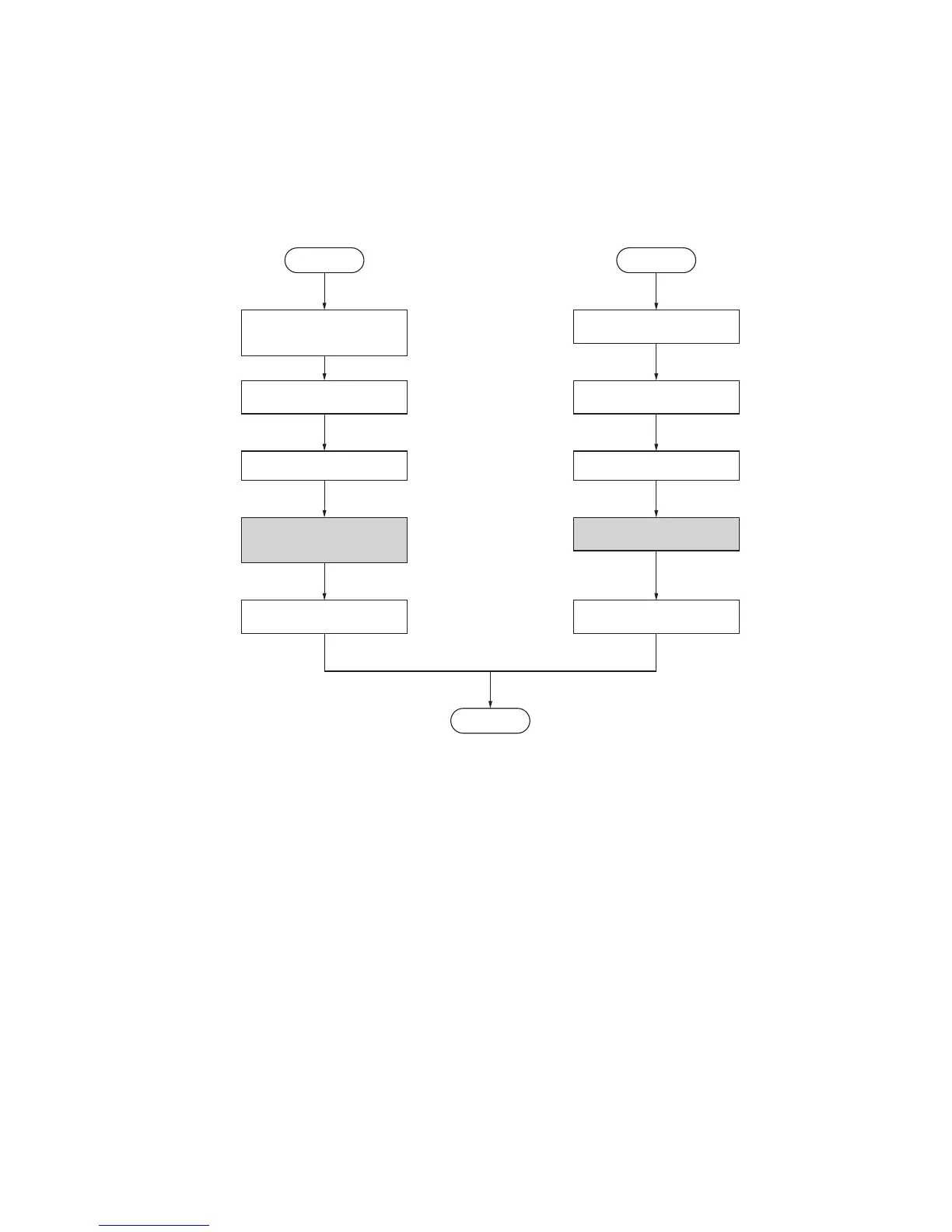
• Executing a department management item • Executing a default setting item
Press both of the copy
exposure adjustment keys
and manegement key for 3 s.
Select an item using the zoom
+/– keys or numeric keys.
Press the enter key.
Execute the department
management item
(page 1-4-46).
Select “d00” and
press the enter key.
Start
Press both of the copy expo-
sure adjustment keys for 3 s.
Select an item using the zoom
+/– keys or numeric keys.
Press the enter key.
Execute the default
setting item (page 1-4-46).
Select “F00” and
press the enter key.
Start
End



 To Next Page