Operator’s manual @ 601 49
GB
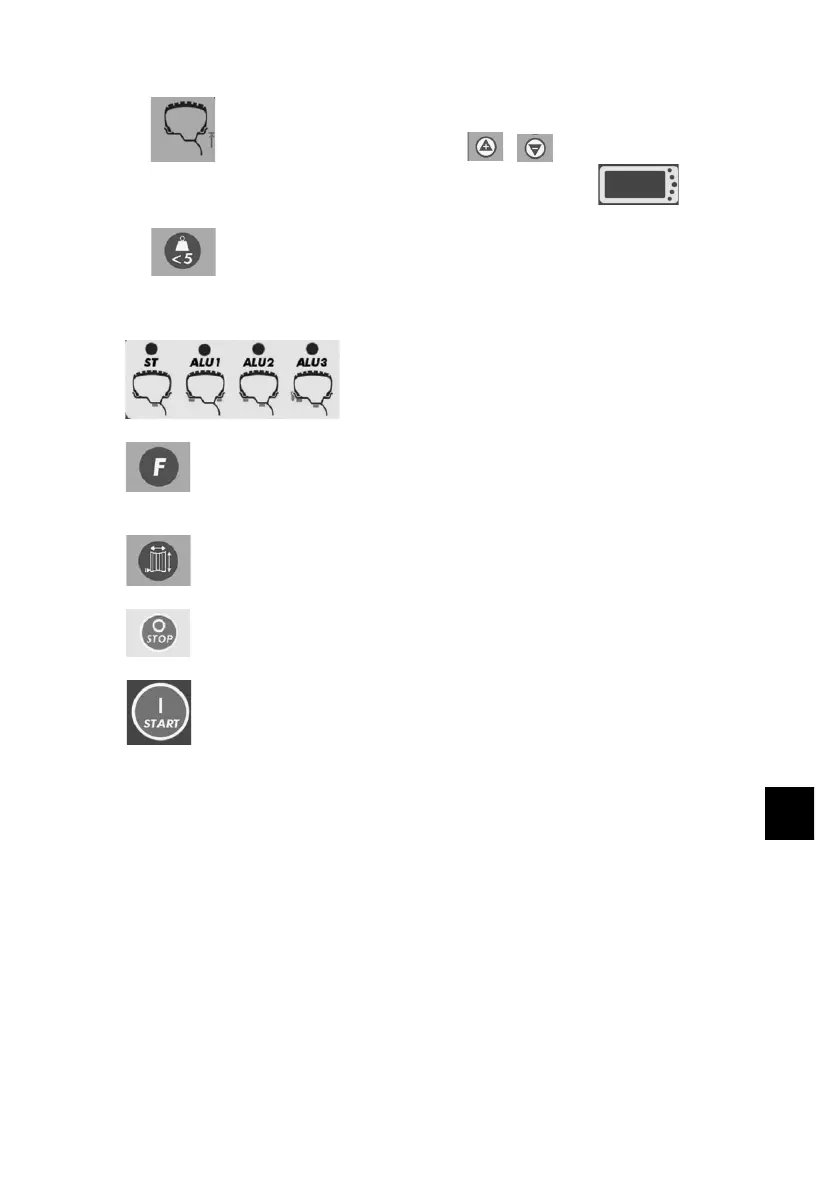
g Diameter setting button. Press
to set the corresponding value on the indicator
i High-accuracy balancing button. The indicator displays
“00” when the unbalance value is < 5 g, press this button to display
the residual unbalance value.
k Balancing weight mode signalling lamp.
j Button for static balancing and selection of position and modality with
ALU balancing weights.
h Button for automatic value input test.
l Emergency stop button
m Start button



 To Next Page