52 Operator’s manual @ 601
“gram”-to-“ounce” conversion function must be used.
Procedure: keep the button pressed for a long time and at the same time press the
button near “A”, now the "ounce" unit can be used. Turn off the machine; the
new unit of measurement remains stored; to go back to the "gram" display, repeat the
procedure mentioned above.
SELF-CALIBRATION
Use this function if doubts about the accuracy of the measured values arise. Do not
deactivate the measuring arm during this procedure since this operation may cause an
incorrect value to be entered. (Do not use this function arbitrarily)
Procedure:
+ 1) Mount the balanced wheel.
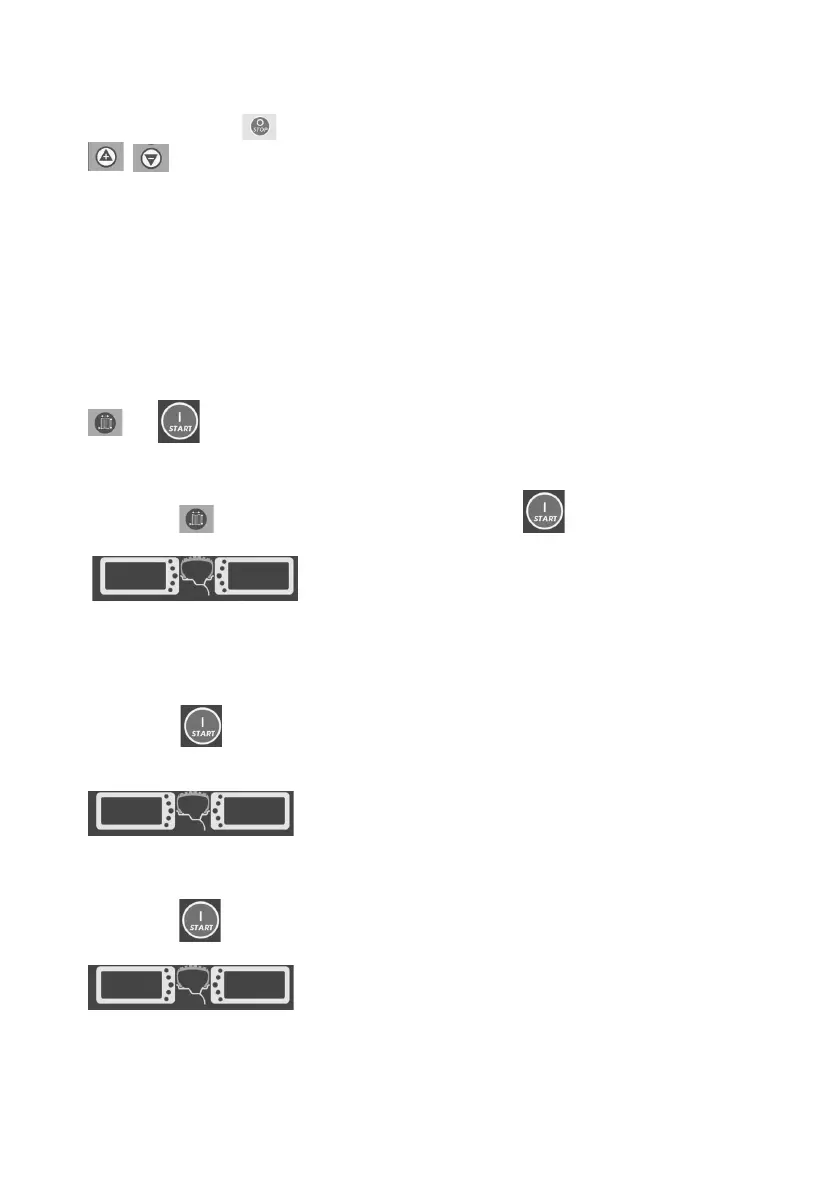
2) Press the button, do not release it, then press the button.
CAL CAL
Indicators a and b display “CAL”-“CAL”; the unbalance positioning lamp flashes for a few
seconds, then goes off automatically.
3) Press the button; the measuring device stops after a few seconds; indicators a
and b show “Add”-“100”.
ADD 100
Add a 100-g balancing weight at any point of the external side of the rim.
4) Press the button; the wheel rotates; indicators a and b display “End”-”CAL”.
END CAL
Calibration is completed.



 To Next Page