(PRELIMINARY) Operator’s Manual
© 2008, IMI Cornelius Inc. - 5 - Publication Number: 621260373OPR
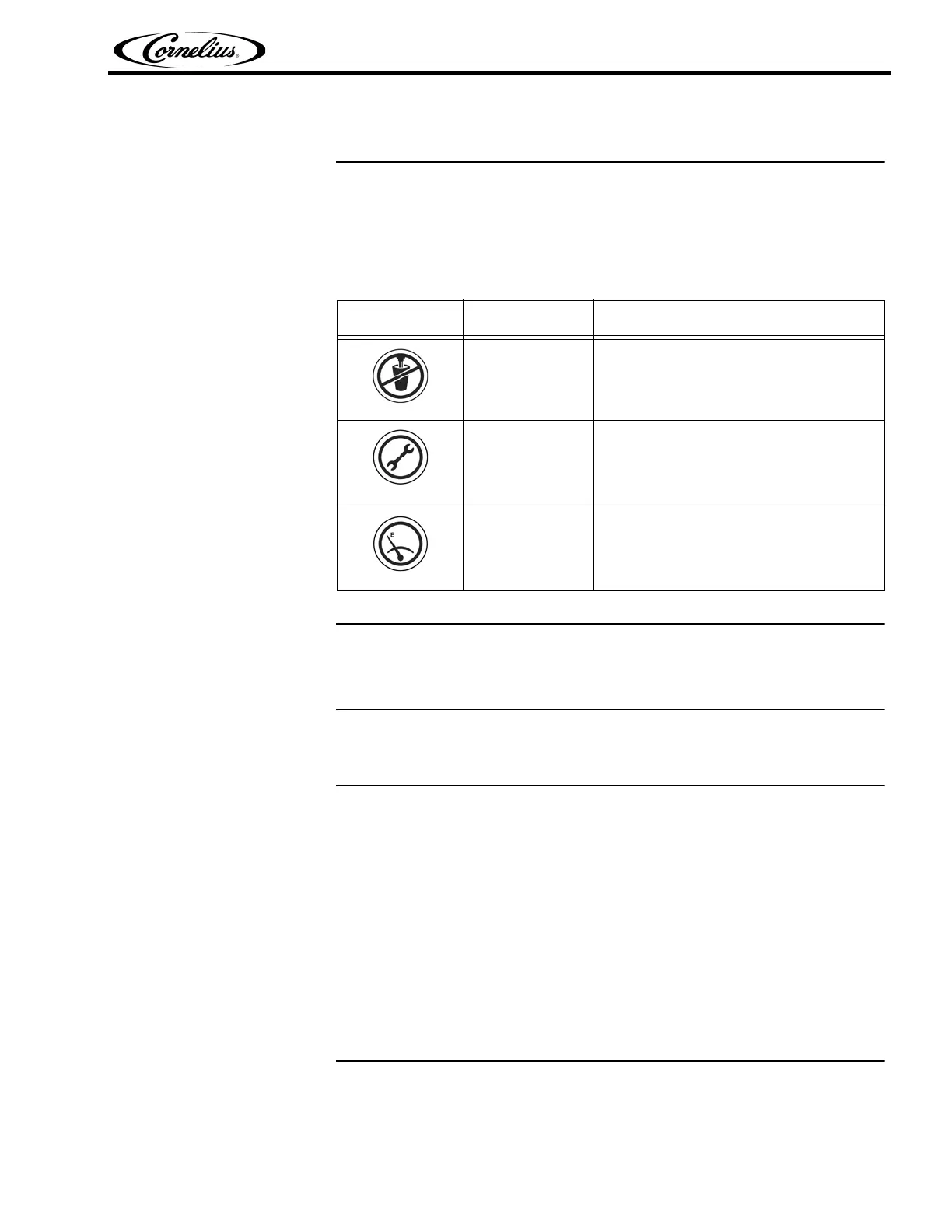
BARREL STATUS LIGHTS
There is a group of three lamps above each dispensing valve that indicate the
status of the barrel. A description of the three graphic images shown in these
lamps is listed in Table 2.
CONTROL SYSTEM OPERATION
Control System Overview
The Viper uses a control system that monitors and controls all of the major sys-
tems and components of the machine.
The control system is set up by the service provider to perform the tasks neces-
sary to operate the unit. No additional changes to these settings should be
needed. The control system also keeps track of diagnostic information for the
machine.
The control system is accessed using the control panel located behind the mer-
chandiser. The control panel consists of the LCD display shown in Figure 1.
The control panel has structured menus. The first menu that is displayed after
the unit is powered up and stabilized is the BARREL STATUS menu, shown in
Figure 4. This menu is also displayed when the unit is operating normally.
Table 2
Image Status Description
ON
DO NOT Dispense Product until light is
OFF.
ON
Call Service. Do NOT dispense product
until light is OFF.
ON
Replenish syrup, CO
2 or water supply.
Light will go OFF when product is replen-
ished.



 To Next Page