ENG
16
User manual J5060403 v1.2
If menu features more than one full screen of selections, press button to
move on the next screen or button to move to the previous screen.
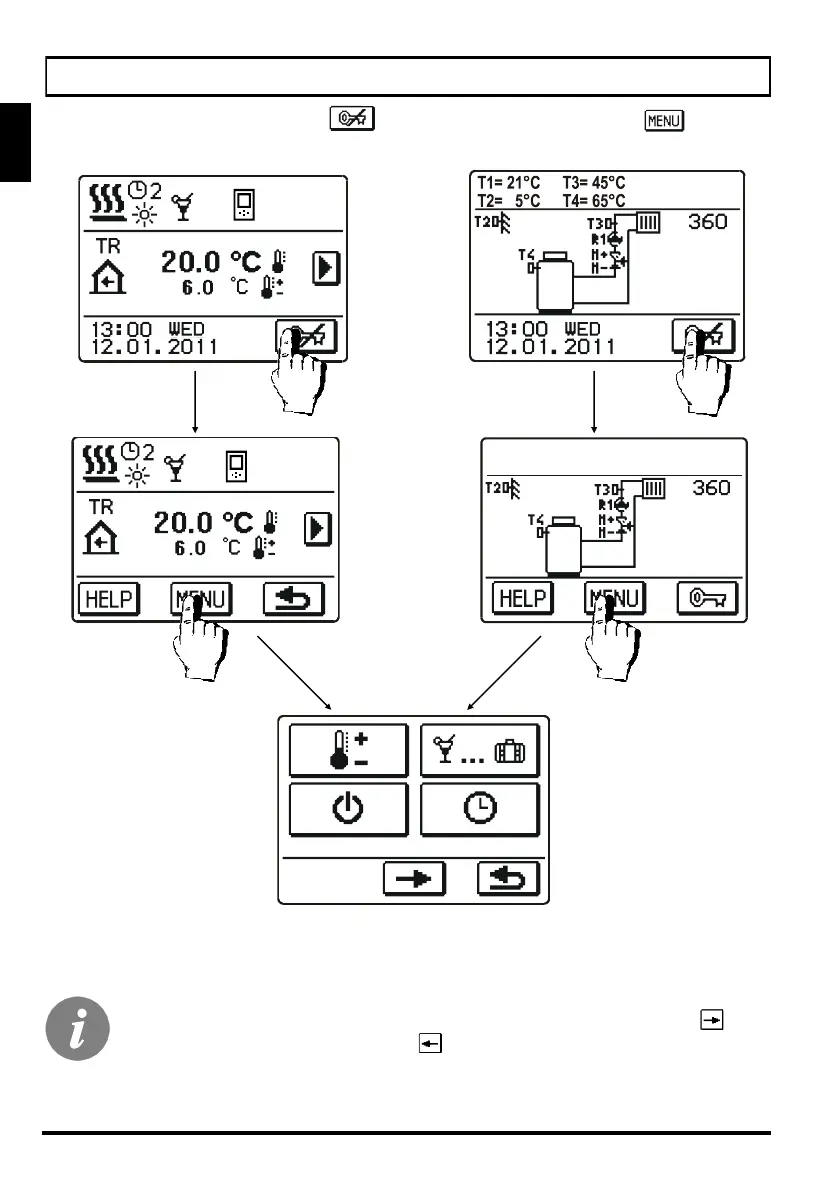
To unlock the screen press button . To enter the menu press button .
ENTRY AND NAVIGATION THROUGH THE MENU
To move around the menu, press icons displayed on the screen.
T1= 21°C
T2= 5°C
T3= 45°C
T4= 65°C



 To Next Page