29
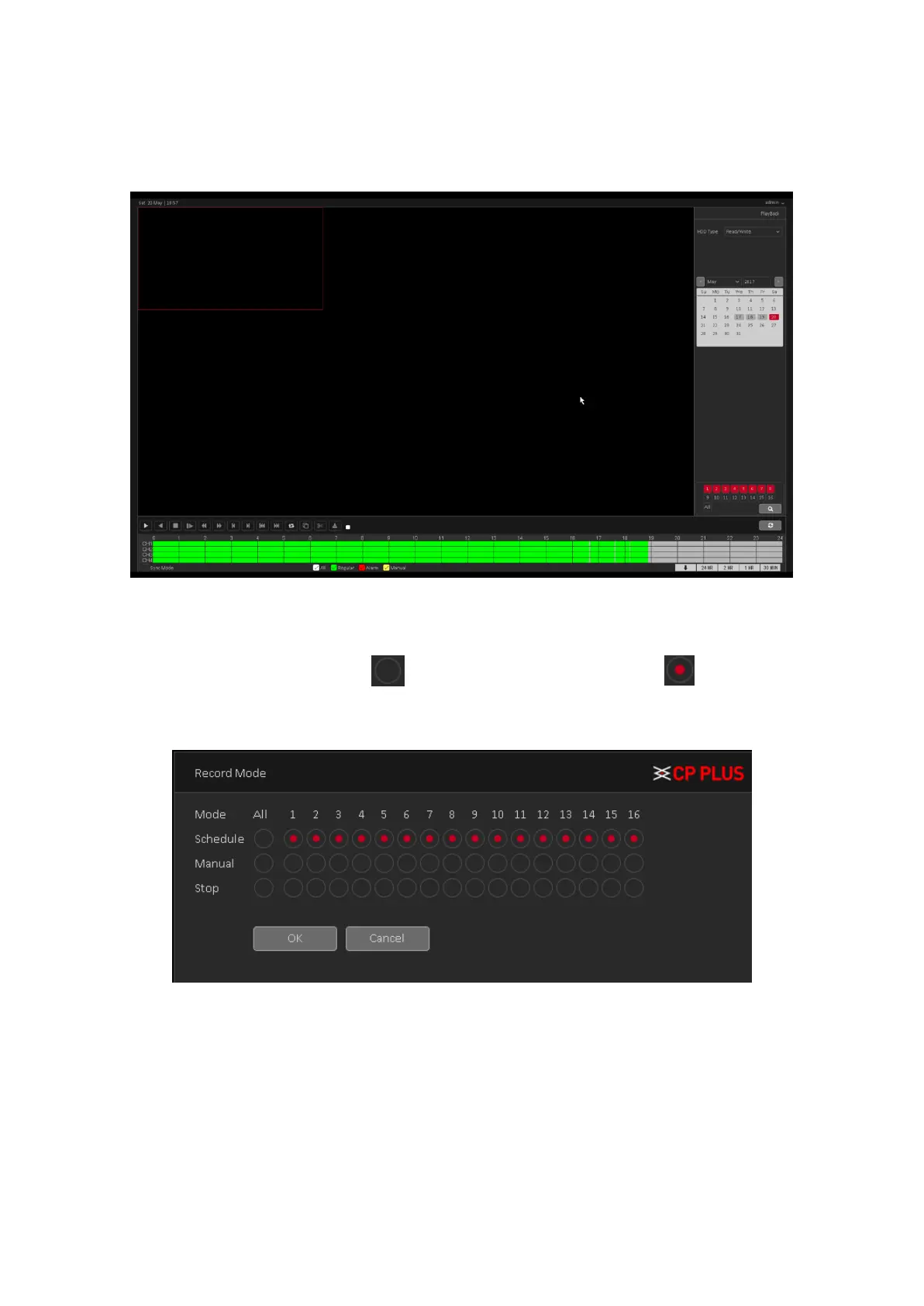
3.7.8. Playback
Check Recorded video backup of cameras. See Figure 3.29. Please refer to chapter 4.3.1 for
detailed information.
Figure 3.29
3.7.9. Record Mode
Please check current channel status: means it is not in recording status, and means it is in
recording status. See Figure 3.30.
Figure 3.30
• [Schedule] Channel records as you have set schedule time. Please refer to chapter 4.1.4.1 for
detailed information.
• [Manual] The highest priority, after manual setup, all selected channels will begin ordinary
recording.
• [Stop] Current channel stops recording.
• [All] Check all buttons after the corresponding status to enable/disable all-channel
schedule/manual record or enable/disable all channels to stop record.



 To Next Page