89
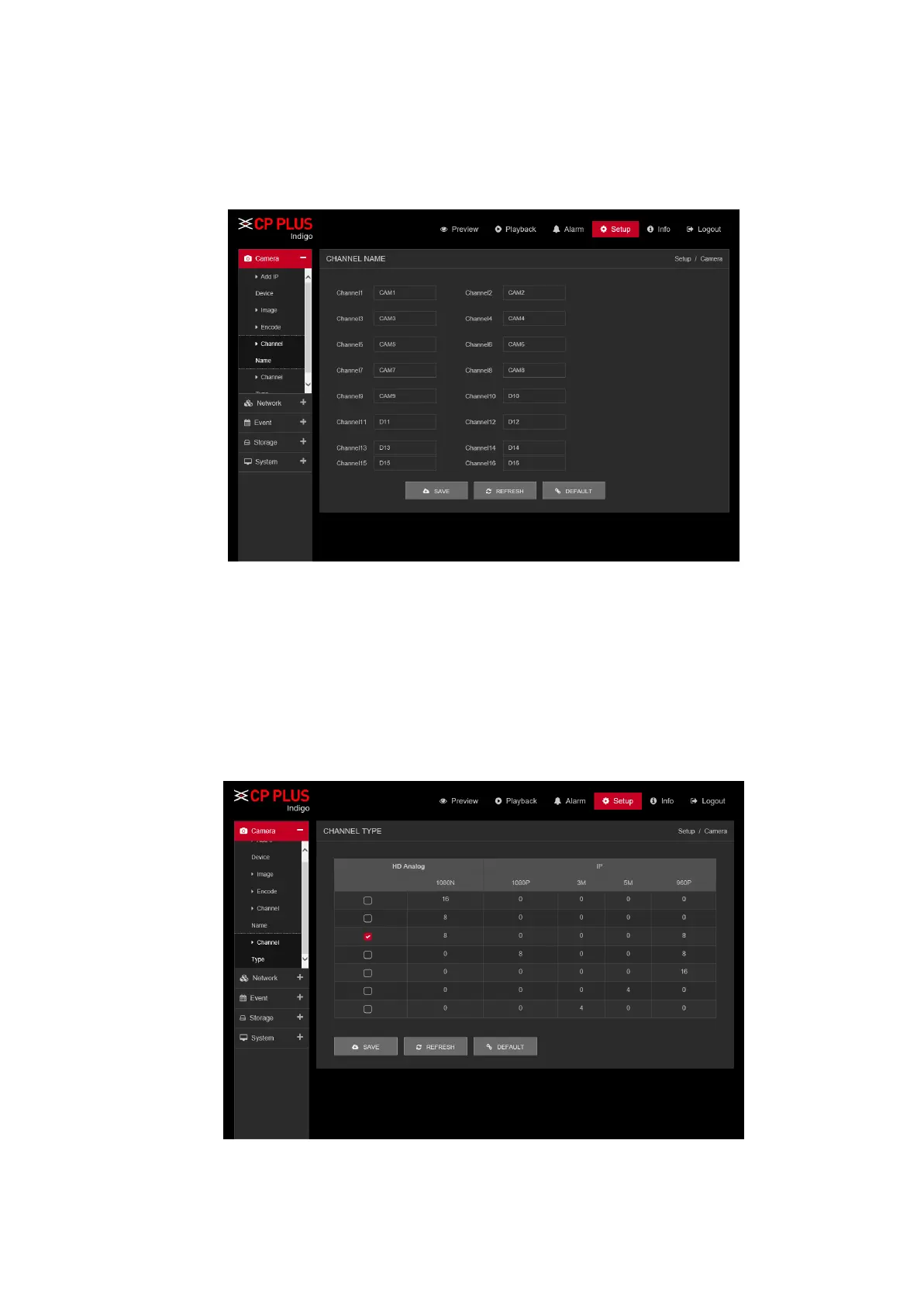
5.9.1.4. Channel Name
Here you can set channel name. See Figure 5.15.
Please note this function is for analog channel only. The digital channel name here is read-only.
Figure 5.15
5.9.1.5. Channel Type
It is to set channel type. Each channel supports analog camera HD Analog / Network camera connection.
Please note DVR (WITHOUT HDD) needs to restart to activate new setup. The network camera connection
shall begin with the last channel. For the 16-channel (or higher) series product, please go to the next page
to set. See Figure 5.16.
Figure 5.16



 To Next Page