68
Figure 4.54
➢ [Format] Click here to format detected Backup drive.
4.3.3. Display
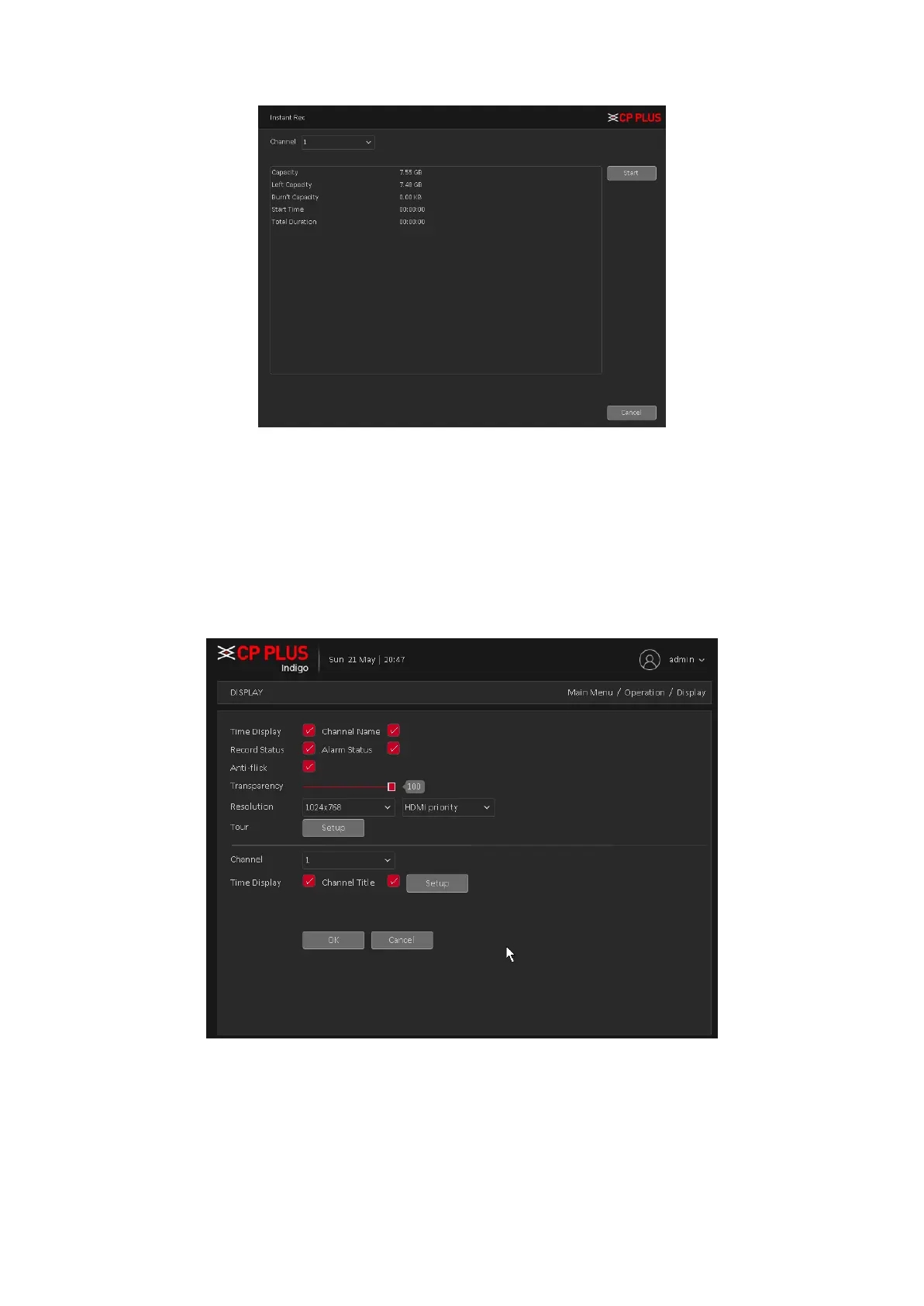
Configure the video output parameters including Time Display, Channel Title, Record Status,
Transparency, Resolution, Tour, etc. Display interface is shown as in Figure 4.55
Figure 4.55
➢ [Time Display] Means the selective state. Display the system data and time in the live
window.
➢ [Channel Title] Means the selective state. Display the system channel number in the live
window.
➢ [Record Status] Means the selective state. Display the recording status in live window.



 To Next Page