67
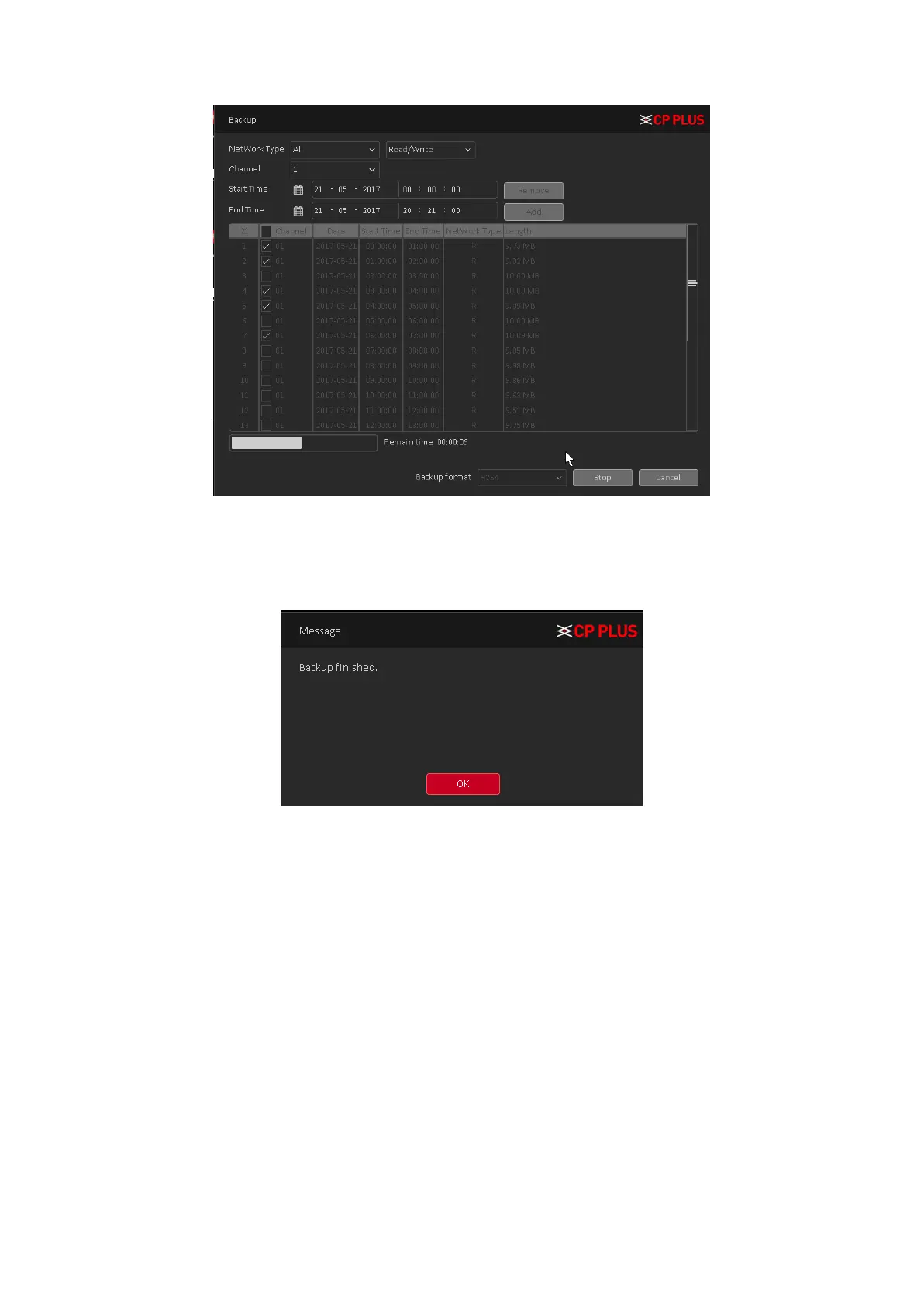
Figure 4.52
When the system completes backup, you can see a dialogue box prompting Backup Finished. See
Figure 4.53
Figure 4.53
Note: When you back up, you can exit the page perform other functions. Burn: Click Burn, burn
video will sync selected channel.
➢ [Instant Rec] User can instantly record live stream in backup drives, insert Backup drives
like flash drive or external drive in DVR (WITHOUT HDD) when the device detected by
system then click on instant Rec. In new window here to select channel No. and click on
start button. DVR (WITHOUT HDD) will start recording in backup drive until user click on
stop button. See Figure 4.54



 To Next Page