73
➢ [Delete Group] Delete the selected user group, when the group contains a user group
cannot be deleted. See Figure 4.64
Figure 4.64
4.3.5. Upgrade
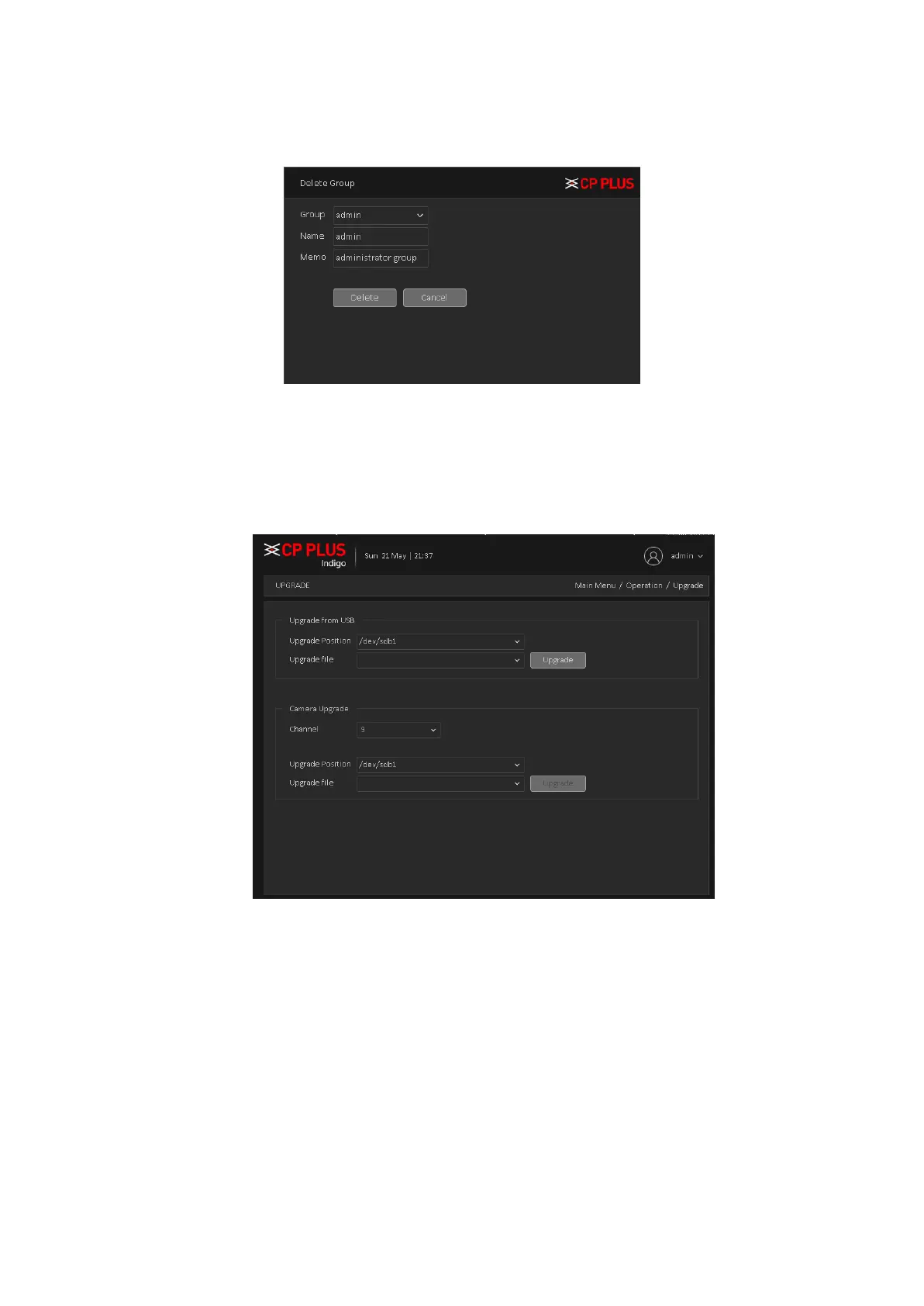
To upgrade device firmware, Upgrade interface is shown as in Figure 4.65
Figure 4.65
➢ [Upgrade from USB] choose USB drive and firmware upgrade file and then click on Upgrade
button to start upgrade process.
➢ [Camera Upgrade]: Select the channel no. of which user want to upgrade firmware and after
selecting drive, firmware file then click on upgrade. This feature will only work with particular IPC
device which added through private protocol.
Note: Please make sure power should not be interrupt during firmware upgrade process; neither Device
will be malfunctioned (dead condition).



 To Next Page