50
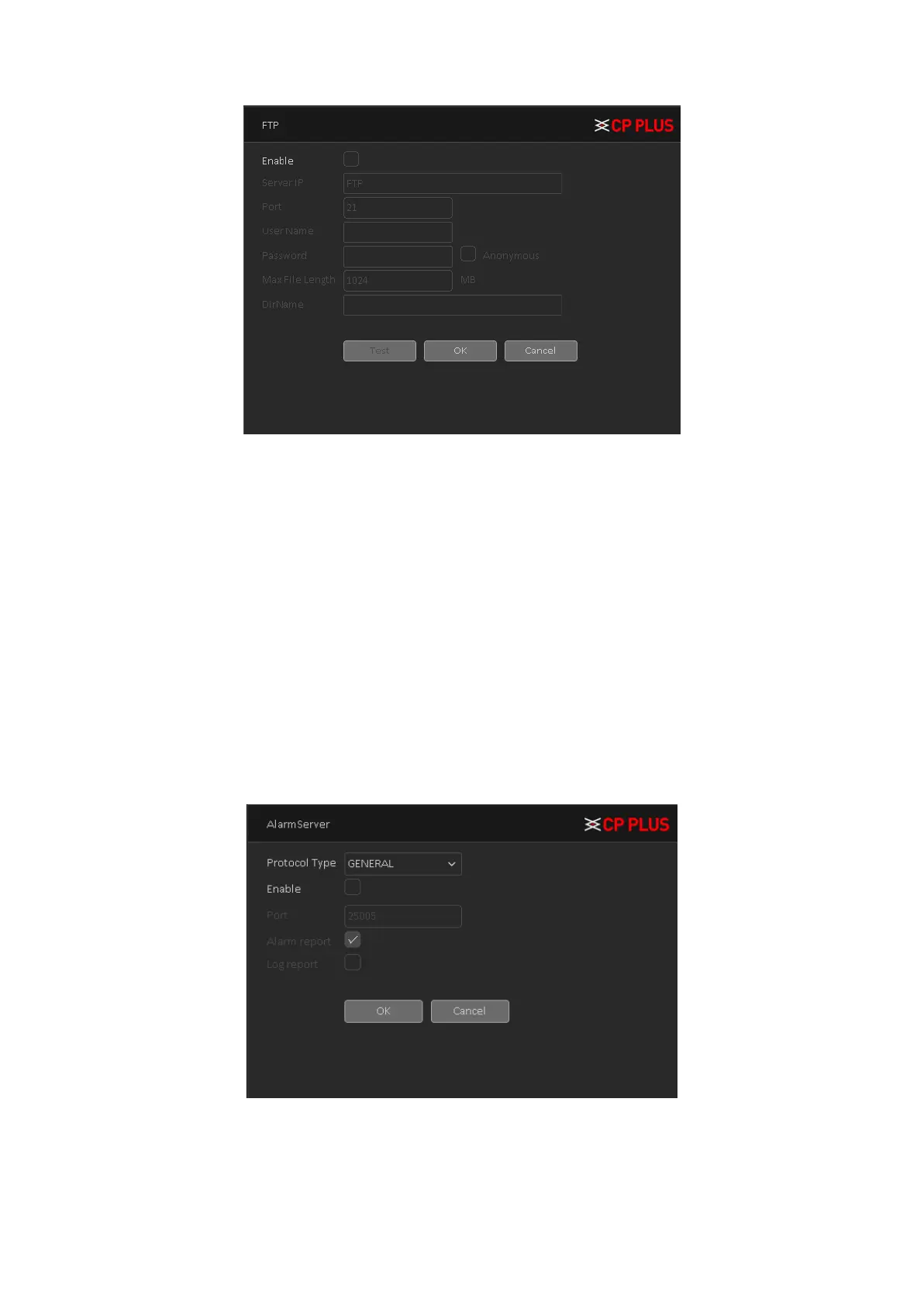
Figure 4.27
➢ [Enable] To Enable or Disable FTP service.
➢ [Server IP] To set IP address of the FTP server.
➢ [Port] To set FTP server service port number, the default port 21.
➢ [User name] Input the user name of FTP Server authentication.
➢ [Password] Input password of FTP server User authentication.
➢ [Anonymous] If choose to be anonymous, then user do not need to set the user name and
password.
➢ [Maximum File Length] Each package upload files maximum length, default is 1024MB.
➢ [DirName] To set directory name to upload files.
4.1.3.4.5. Alarm Server
After an alarm, it report alarm information to alarm server. Alarm Server interface is shown as in
Figure 4.28
➢ [Protocol type] To select Protocol, it includes only GENERAL protocol.
➢ [Enable] To enable or disable Alarm server service.
➢ [Server Address] Input IP address of alarm server.
➢ [Port number] Input port number of the Alarm server service.



 To Next Page