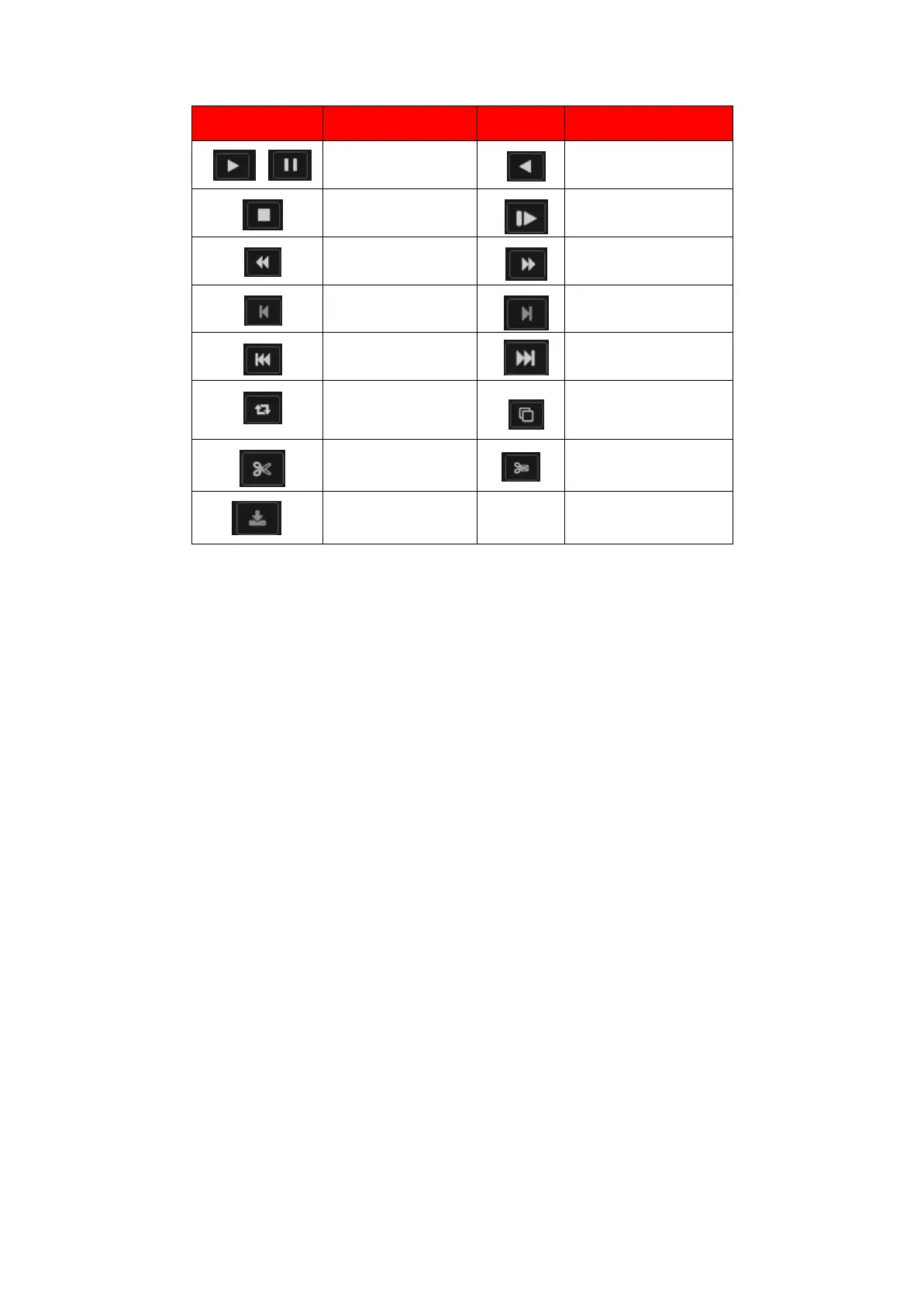
Note: Play under frame by frame, the playback status should be paused firstly.【Operation tips】
show function of the key that cursor placed.
Special functions:
Local zoom: When the system is in single-window full-screen playback mode, you can drag your
mouse in the screen to select a section and then left click mouse to realize local zoom. You can right
click mouse to exit.
4.3.2. Backup
By setting the backup device video file to an external storage device. Backup interface is shown as in
Figure 4.50
Note: Before backup files, you need to install the files stored to accommodate storage devices.
Backup is terminated; it has been copied to a storage device files can be played back independently.
Backup middle is terminated, has been copied to a storage device files can be played back
independently.



 To Next Page