61
Tips: ○ means that the hard disk is normal. “-“means that there is no hard disk. If the user needs to
change the damaged hard disk, you must shut down the DVR (WITHOUT HDD) and take up all the
damaged hard disks, then install a new one.
* Behind serial number means the current working disk such as 1*. If the corresponding disk is
damaged, the information will show “?”
4.2.1.2. Device info
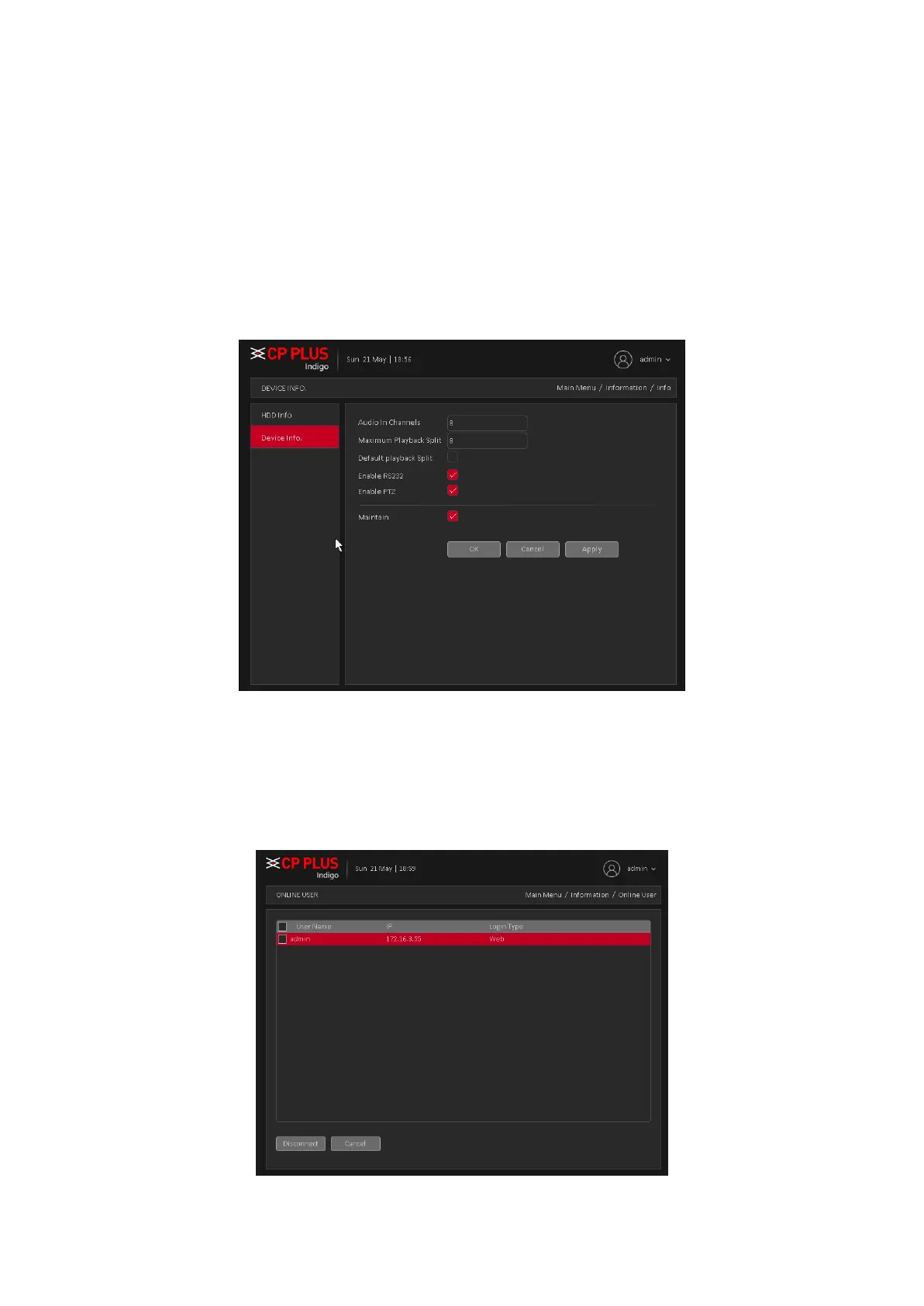
Provide device interface info like audio in, alarm in/out to be conveniently used for user. Device info
interface is shown as in Figure 4.44
Figure 4.44
4.2.2. Online User
To check the information of network user that connected with local device, also can tick the
selected user to break up connection, and will not log in until device reboot. Online user interface is
shown as in Figure 4.45
Figure 4.45



 To Next Page