77
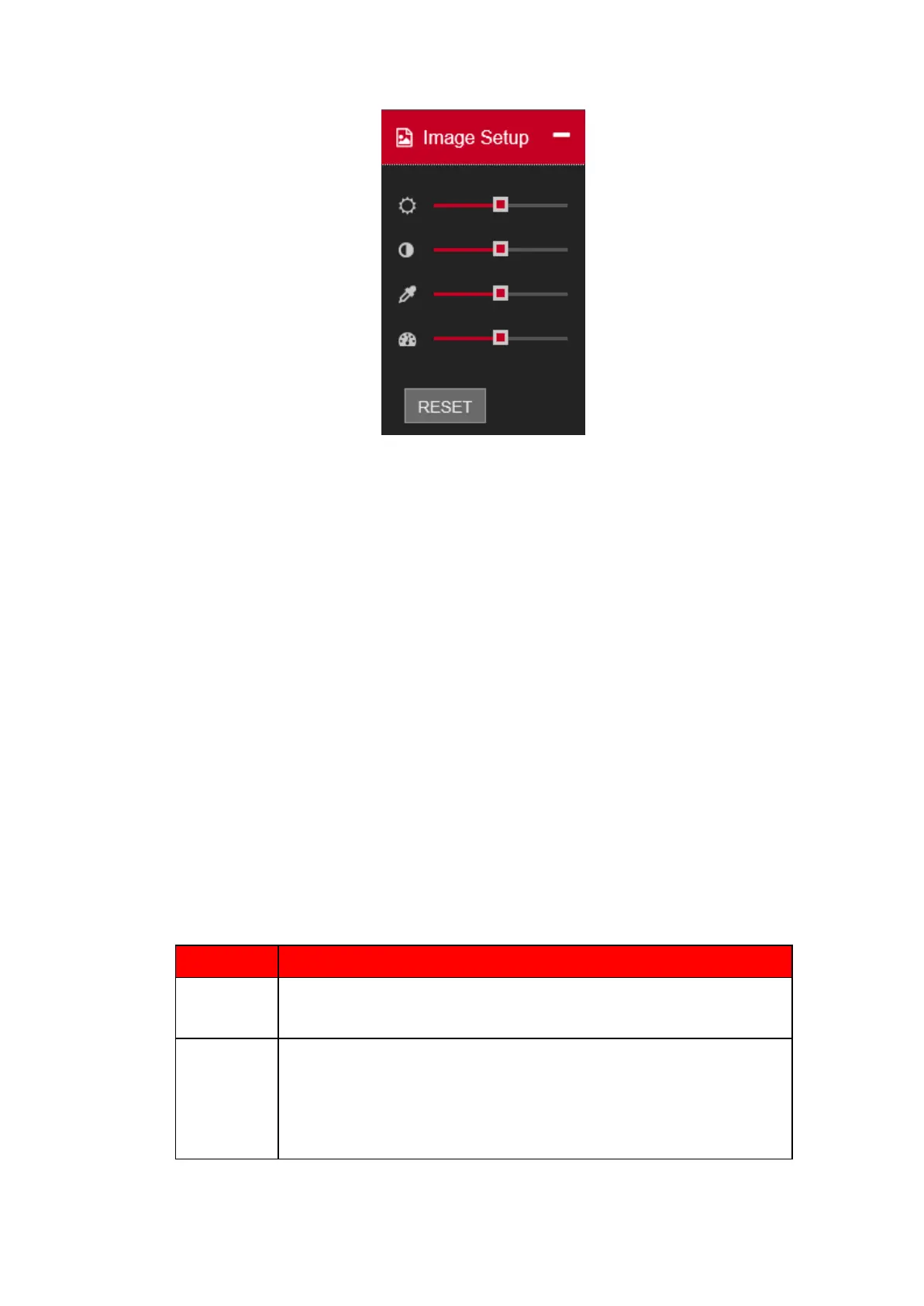
Figure 5.5
⚫ Section 9: From left to right, it is to set full screen, 1-window, 4-window, 9-window, 16-window, local
snapshot, local recording and Enable/Disable sound.
5.4. Real-Time Monitor
In section 2, left click the channel name you want to view, you can see the corresponding video in current
window.
Digital zoom: On channel video Left drag the mouse in the zone to zoom in. right click mouse system
restores original status.
5.5. PTZ
Before PTZ operation, please make sure you have properly set PTZ protocol. There are eight direction
keys. In the middle of the eight direction keys, there is a 3D intelligent positioning key.
Please refer to the following sheet for PTZ setup information.
⚫ Select Preset from the dropdown list.
⚫ Turn the camera to the corresponding position and Input the preset
value. Click Add button to add a preset.
⚫ Select Tour from the dropdown list.
⚫ Input preset value in the column. Click Add preset button, you have
added one preset in the tour.
⚫ Repeat the above procedures you can add more presets in one tour.
⚫ Or you can click delete preset button to remove one preset from the
tour.



 To Next Page