Select a device in the list and then click Add button, system can connect
the device automatically and add it to the Added device list. Or you can
double click one item in the list to add a device.
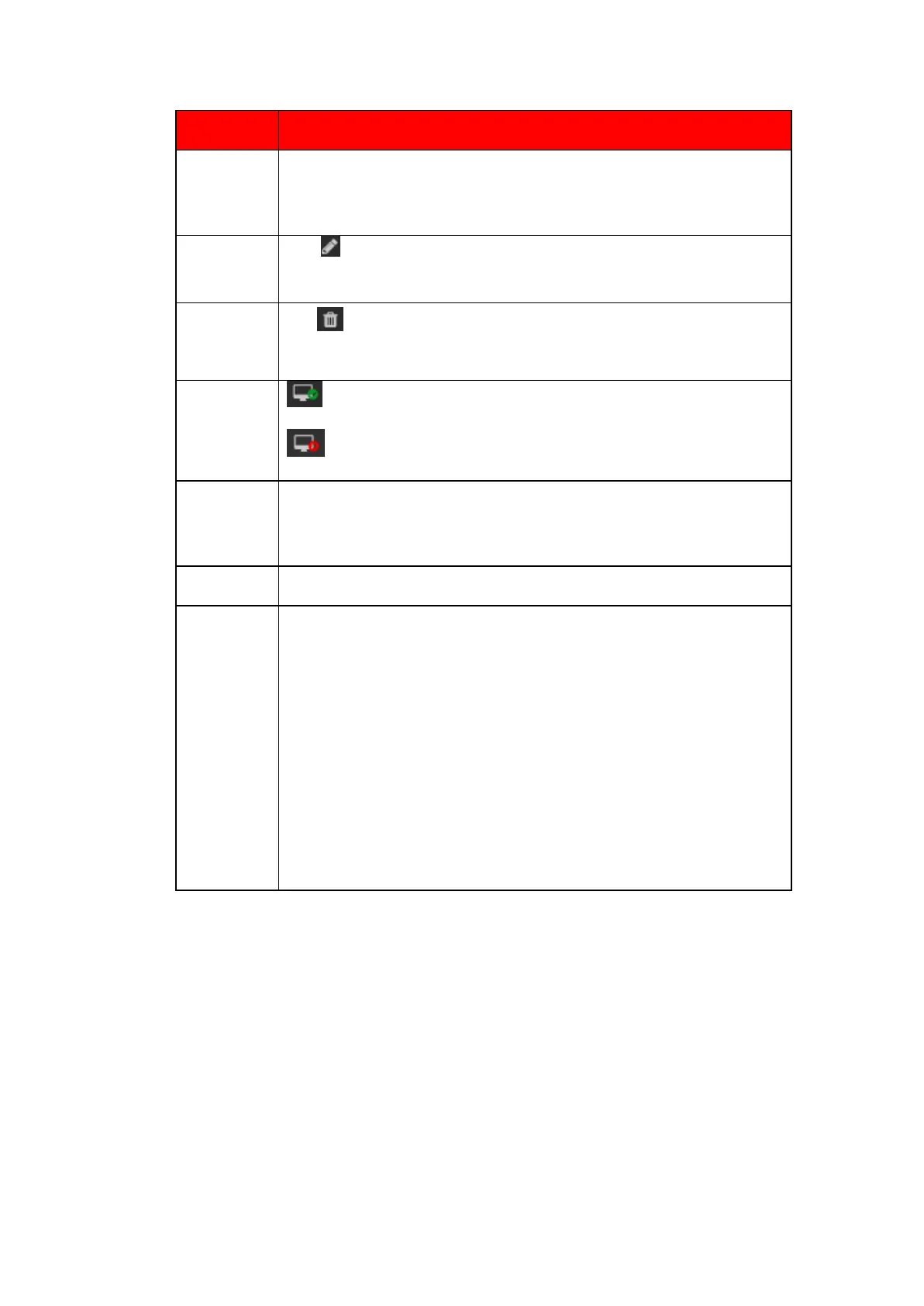
Click or any device in the Added device list, you can change the
corresponding channel setup.
Click , you can delete the remote connection of the corresponding
channel.
: Connection succeeded.
: Connection failed.
Select a device in the Added device list and then click Delete button,
system can disconnect the device and remove it from the Added device
list.
To Save current setting of Add IP device page.
Click it, the interface is shown as in Figure 5.11. Here you can add network
camera manually.
Note:
⚫ System supports manufactures such as Panasonic, Sony, Dynacolor,
Samsung, AXIS, Arecont, Dahua and ONViF standard protocol.
⚫ If you do not input IP address here. System uses default IP
192.168.0.0 and system does not connect to this IP.
⚫ Cannot add two devices at the same time. Click OK button here,
system only connect to the corresponding device of current channel.


 To Next Page
 Loading...

