13
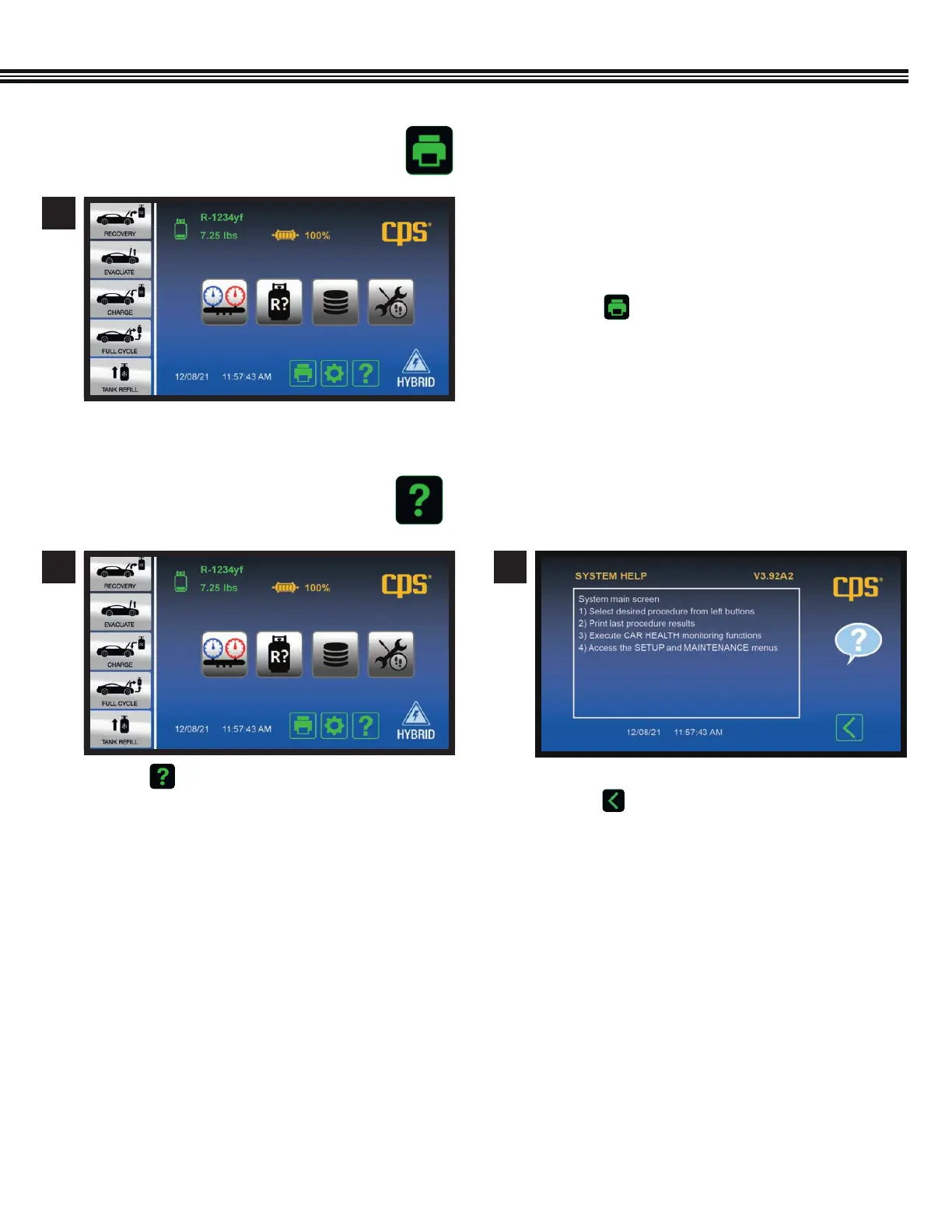
PRINT KEY
HELP MENU
a. Use the MX3030’s Bluetooth Low Energy or
Wi-Fi functions to connect to a wireless printer.
The Bluetooth range is generally 30 ft, while
Wi-Fi is generally 150 ft (both direct line of sight).
b. Touch to receive a printed copy showing
results of the LAST function performed.
1
a. Touch to enter the HELP MENU. a. Firmware Version shown at UPPER RIGHT.
b. Touch to return to Home Screen.
1 2
Home Screen
Home Screen Help Screen
OVERVIEW (Primary Touch Screen Keys, Cont’d)


 To Next Page