15
and put the 6 M8*25 expansion bolts into the holes;
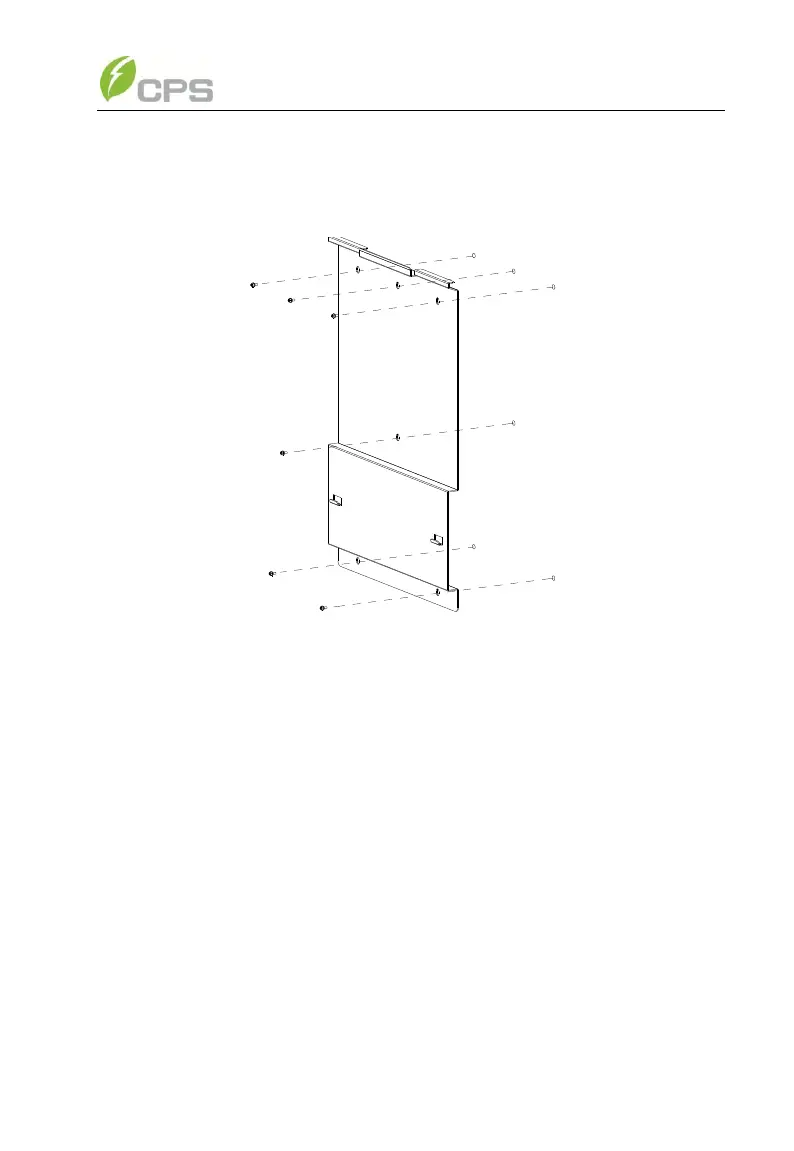
(c) Take the mounting bracket out of the package and secure the
bracket on the wall with the 6 nuts in pair as shown in Figure 3-5;
Figure 3-5 Positions of bolt holes on the bracket
(d) Screw off the bolts and remove the two panels on both sides of the
inverter as shown in Figure 3-6;



 To Next Page