57
parameters can be adjusted through remote monitoring software.
(2) For CPS SC14KTL-DO/US-208 the following applies –
Move the cursor to “5 Power/PF” in the main interface. Press ENT to
access and check the parameters of “ActivePower” and “PowerFactor”, as
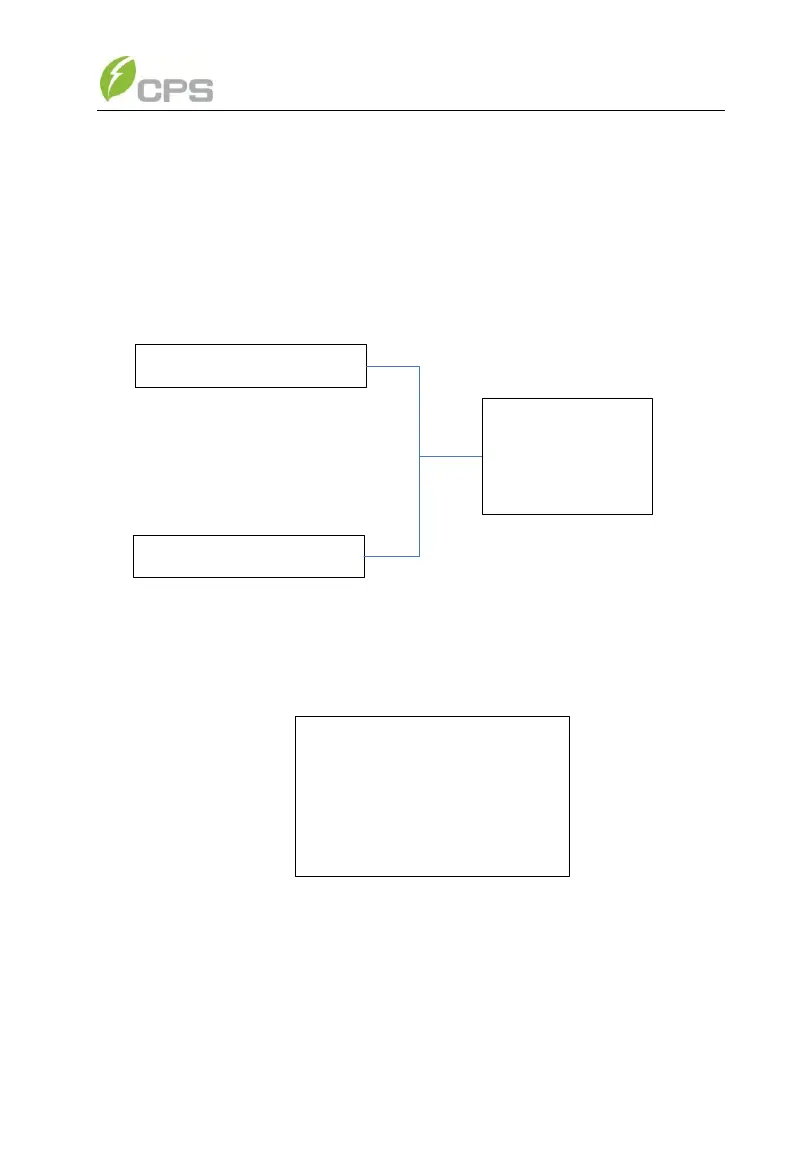
shown in Figure 5-14. The user can set the parameters of the two options
through LCD operations as well as remote control by monitoring software.
Local Command
Dispatch Command
ActivePower(%)
100.0
PowerFactor
1.000
Figure 5-14 Options of Power/PF
Press ENT to access the “Power Control” menu, as follows:
→ ActivePower
100%
Reactive Mode
PF(P)
Figure 5-15 Power control menu
The active power parameters are adjustable from 0% to 100.0% in the
“ActivePower (%)” menu.
You can select the specific reactive mode in the “ReactiveMode” menu.



 To Next Page