99
7.4 Replace the Inverter
Confirm the following steps before replacing the inverter:
(1) The AC breaker of inverter is turned off.
(2) The DC switch of inverter is turned off.
Replace the inverter according to the following steps:
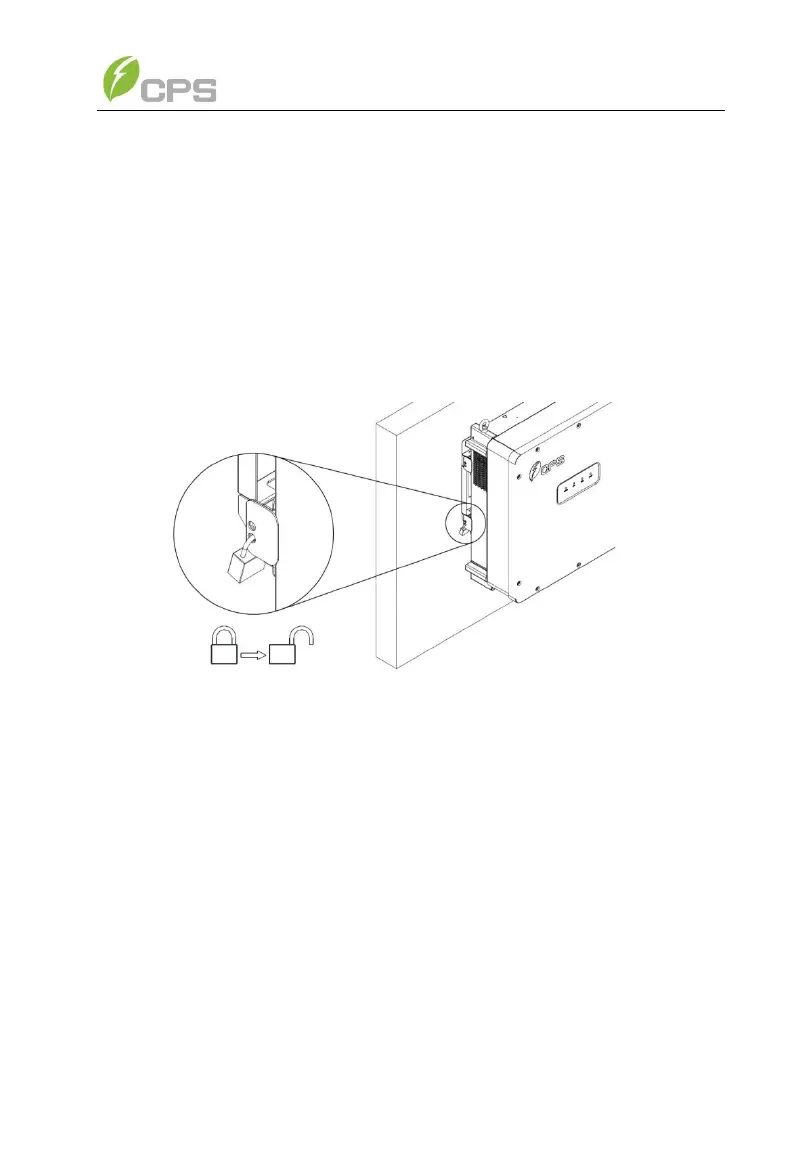
(1) Unlock the padlock if it is installed on the inverter.
Figure 7-2 Unlock the Padlock
(2) Use a No. 3 Phillips head screwdriver to unscrew the 2 screws on
top of both the wire-box and inverter to remove the connector
covers.



 To Next Page