©2016 Cradlepoint. All Rights Reserved. | +1.855.813.3385 | cradlepoint.com
13
User Manual / AER2100
4/19/16
NOTE: The product label below is an example only: your DEFAULT PASSWORD and SSID will be unique.
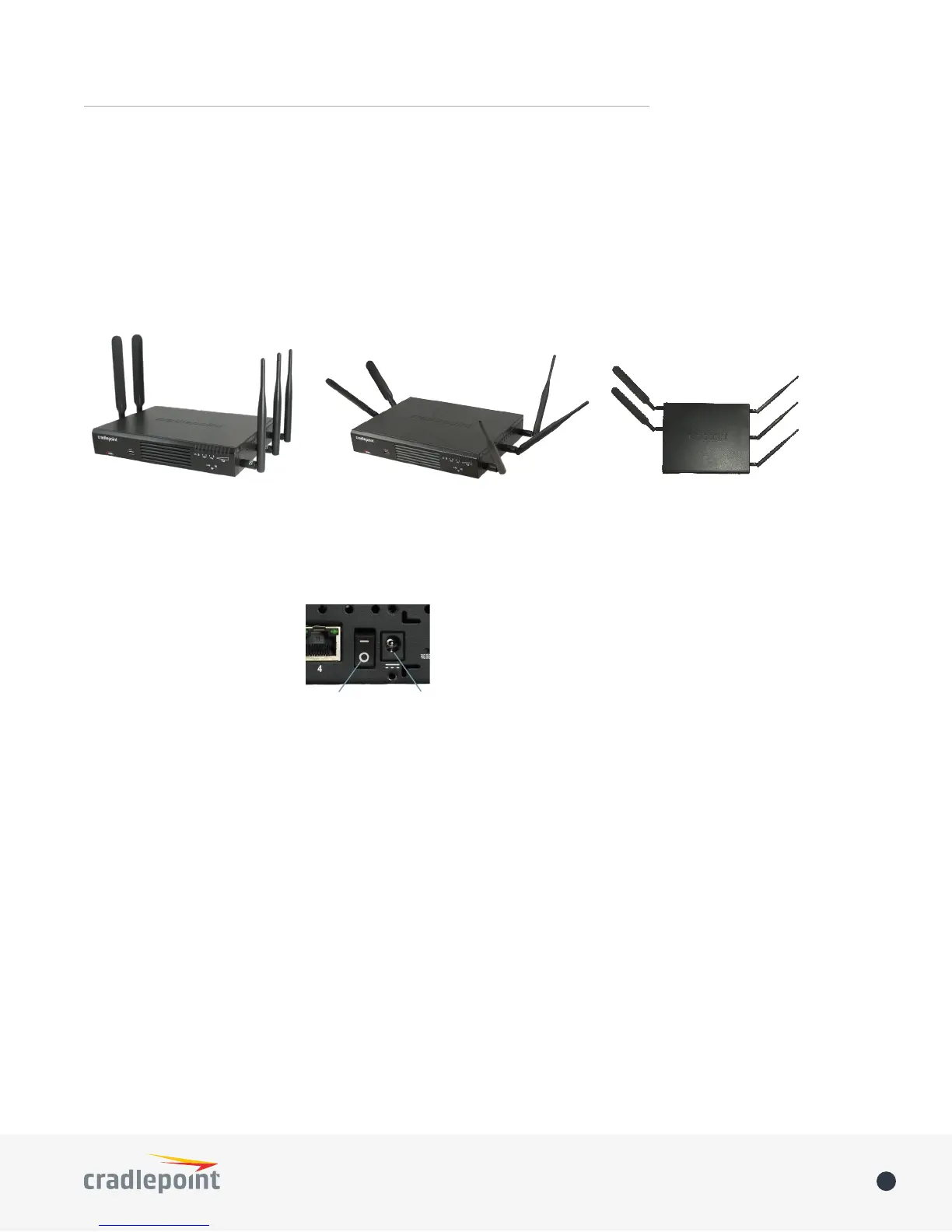
3. Attach the WiFi and modem antennas
Attach the three WiFi antennas (included) and two modem antennas to the connectors. Antennas are jointed,
of the antenna to connect, folding the joint if needed. NOTE: Ensure that the router antennas are not near metal
or other RF reflective surfaces.
Examples of suggested antenna orientations:
4. Connect the power source
the router.
Ensure power is switched on:
O = OFF
– = ON
5. Connect to a computer or other network equipment
plugged into one of the Ethernet LAN ports (numbered 1–4). The default WiFi network name is “2100-xxx”,
DEFAULT PASSWORD when prompted. The DEFAULT PASSWORD is
Wall Mount
Desk Mount
Power Switch
Power














 To Next Page