©2016 Cradlepoint. All Rights Reserved. | +1.855.813.3385 | cradlepoint.com
84
User Manual / AER2100
4/19/16
THREAT MANAGEMENT
NOTE
license. Enable this feature through Enterprise Cloud Manager.
Cradlepoint Secure Threat Management leverages Trend Micro
one-pass Deep Packet Inspection (DPI) solution. Threat Management includes settings for both IPS (intrusion
prevention system) and IDS (intrusion detection system
Threat Management
This Threat Management
updates.
Follow these steps to get started with Threat Management:
1. To purchase a license or to begin a free trial, log into Enterprise Cloud Manager (ECM) and go to the
Applications
be rebooted for Threat Management to begin working.
2. Set up emailed or logged alerts in the Alerts tab in ECM.
3.
Devices or Groups page (click on Commands in the top toolbar and select Update IPS Signatures from the
dropdown options).
NOTE: Updating the signature database version causes a network disruption for a few seconds. You can schedule
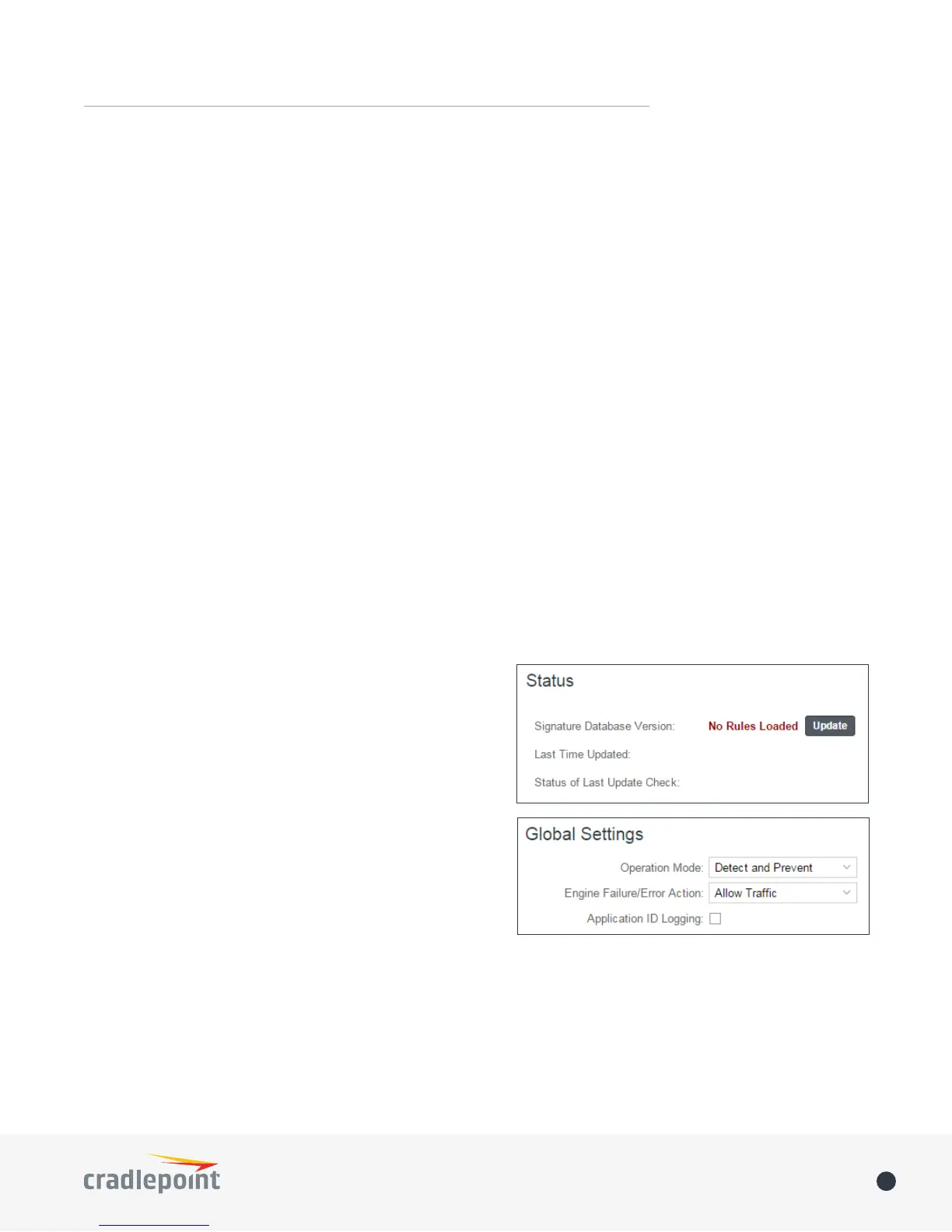
Status
The Status section shows if Threat Management is enabled.
It shows the current signature database version number, the
timestamp for the most recent update, and the status of the
most recent attempt to update signatures.
Click on the Update button to check for a new signature
database version.
Global Settings
Threat Management implementation (choose
between IPS and IDS, set up a signature update schedule,
etc.).
Operation Mode: Choose IPS, IDS, or neither.
• Disabled
• Detect and Prevent (default) – IPS mode
• Detect Only – IDS mode
In both Detect and Prevent and Detect Only
Engine Failure/Error ActionThreat Management
following options:
• Allow Traffic (default)
• Deny Traffic














 To Next Page