©2016 Cradlepoint. All Rights Reserved. | +1.855.813.3385 | cradlepoint.com
85
User Manual / AER2100
4/19/16
With Allow TrafficThreat Management enabled and
Deny Traffic to stop all
Threat Management
Application ID Logging
information.
To view the logs, go to STATUS > System Logs
SYSTEM > Administration > System Logging.
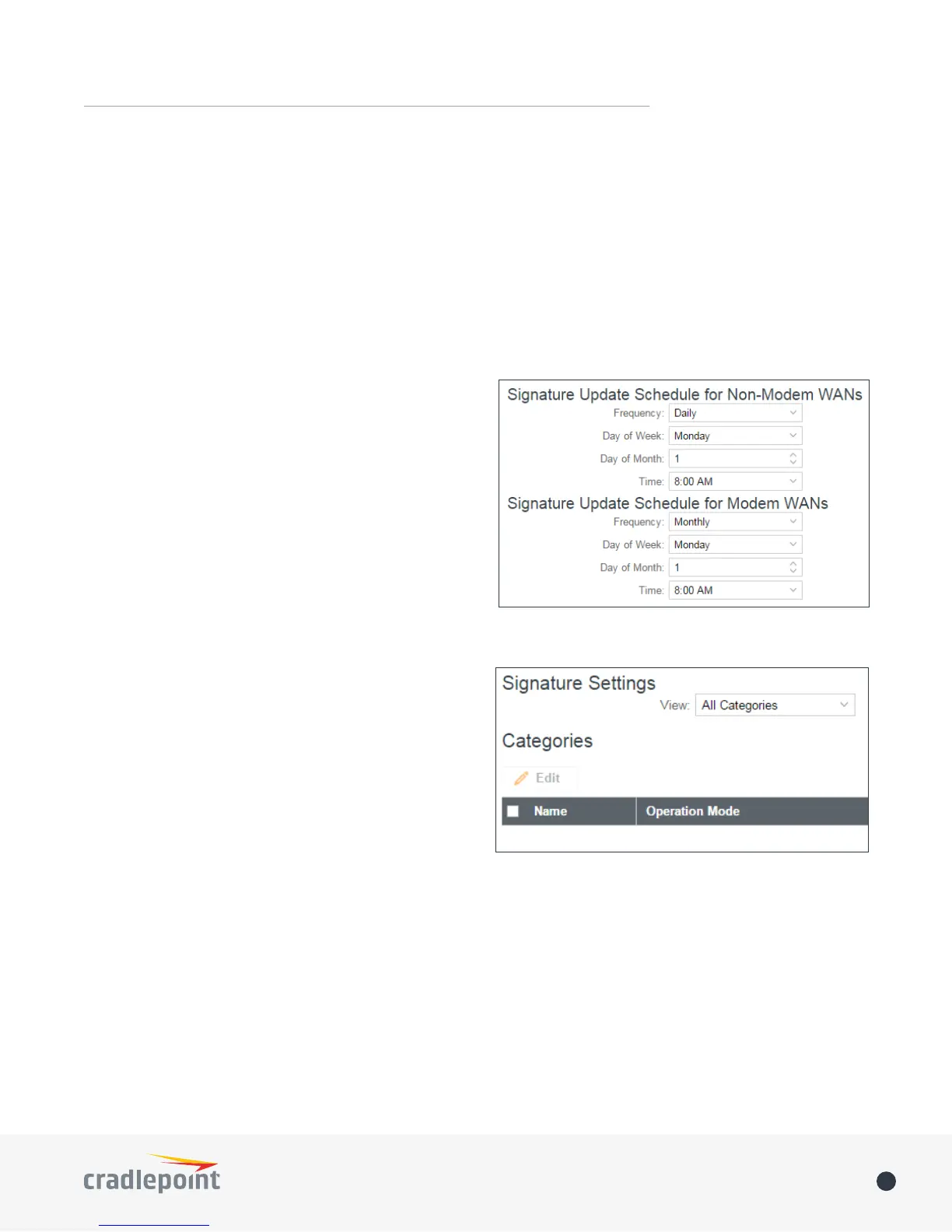
Signature Update Schedule
schedule for modems than for other WANs. This is
intended to protect against overages when data usage
limits for 3G/4G modems are restricted. For both Non-
Modem WANs and Modem WANs
Frequency for updates:
• Never
• Daily
• Weekly
• Monthly
cause a minor network disruption, so schedule updates for
Signature Settings
View a list of all signature categories, all signatures, or
Operation Mode is set under Global
Settings
signature, select a line in the table and click Edit. Choose
from the following:
• Disabled
• Detect and Prevent – IPS mode
• Detect Only – IDS mode















 To Next Page