EasyManua.ls Logo

Cradlepoint AER2100 - System; Administration

Cradlepoint AER2100
108 pages
Print Icon
To Next Page IconTo Next Page
To Previous Page IconTo Previous Page
Loading...
©2016 Cradlepoint. All Rights Reserved. | +1.855.813.3385 | cradlepoint.com
89
User Manual / AER2100
4/19/16
SYSTEM
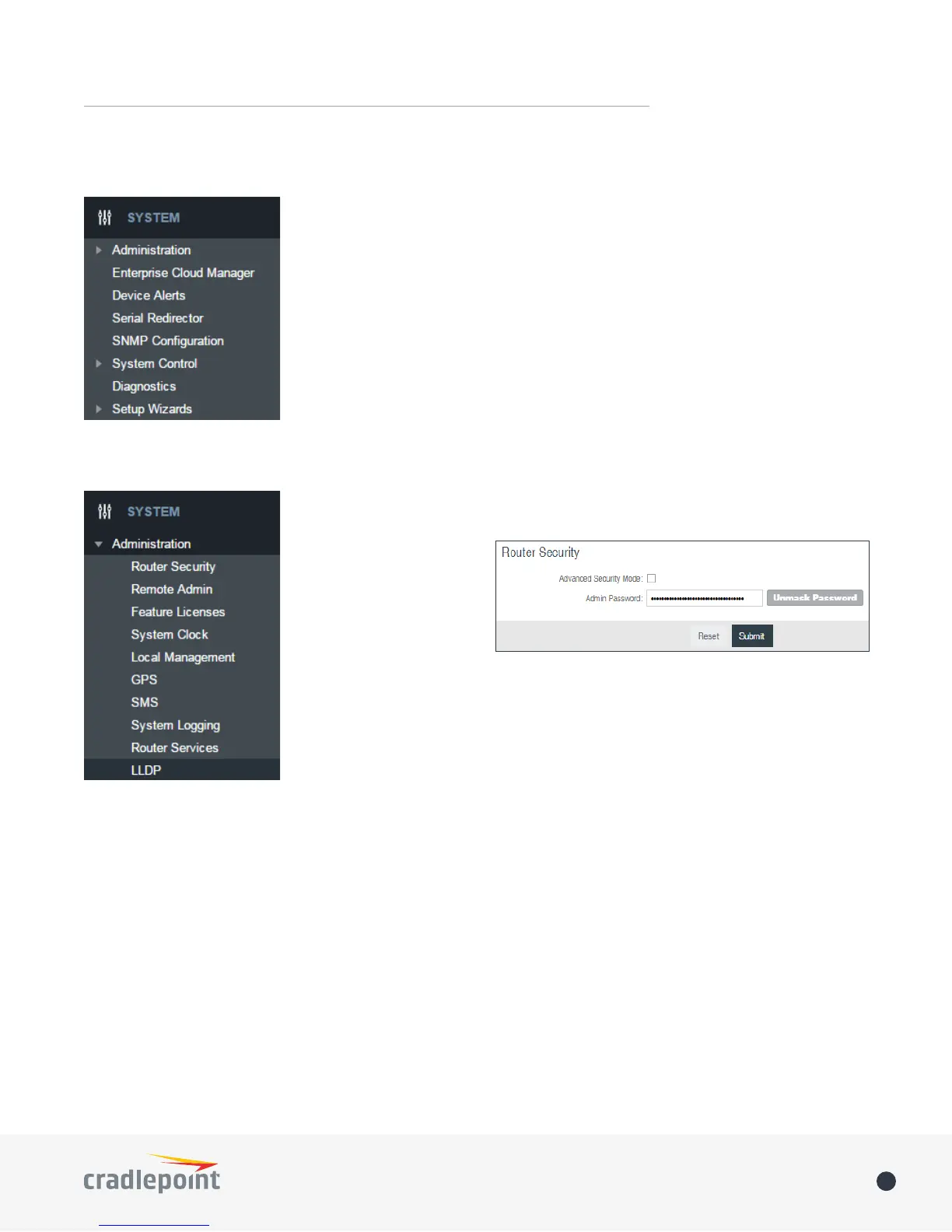
ADMINISTRATION
ROUTER SECURITY
When the router is


several aspects of the


will be extended to support



REMOTE ADMIN
Remote Management allows a user to enable incoming WAN pings or change settings for the router from the
Internet using the router’s Internet address.
Allow WAN pings
Allow Remote Web Administration – When remote administration is enabled it allows access to these



Require HTTPS Connection – Requiring a secure (https) connection is recommended
HTTP Port:
Secure HTTPS Port – Default: 8443.

Other manuals for Cradlepoint AER2100

Related product manuals