©2016 Cradlepoint. All Rights Reserved. | +1.855.813.3385 | cradlepoint.com
94
User Manual / AER2100
4/19/16
LLDP
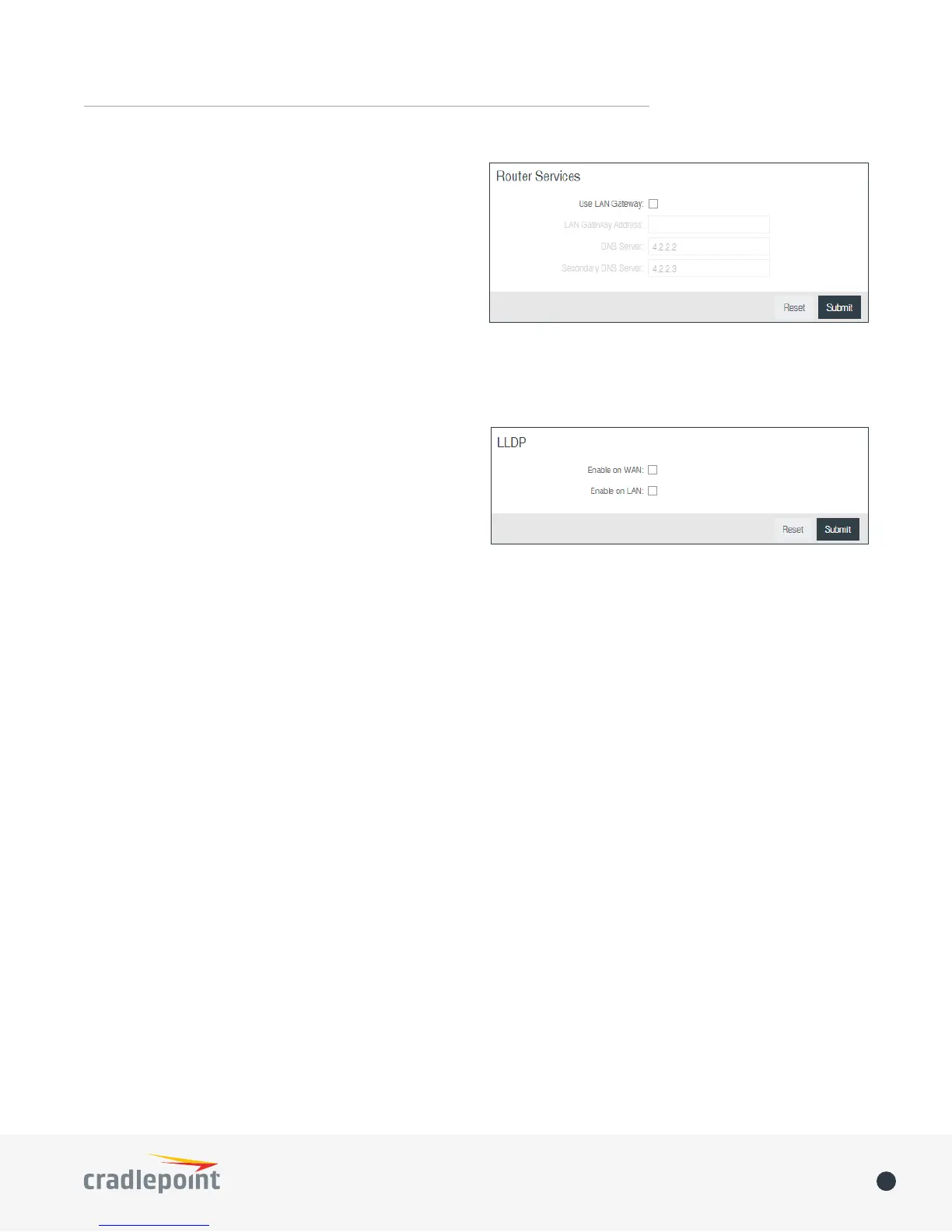
LAN Gateway Address: Input the IP address of the
LAN side connection. If this is a 3G/4G failover router
Address is the IP address of that other router.
DNS Server and Secondary DNS Server
DNS values (set at NETWORKING > DNS Servers). You
(Changing these values also changes the static DNS
values.)
The Link Layer Discovery Protocol (LLDP) is a standard
method for network devices to share information about
themselves among their neighbors. The router stores the
information it receives from its neighbors, which can be
viewed on the STATUS > LLDP page.
Enable LLDP for Ethernet on the WAN and/or LAN.
ENTERPRISE CLOUD MANAGER
Cradlepoint Enterprise Cloud Manager
•
•
• Remote management and control of routers
• Historical record keeping of device logs and status
Registering Your Router
registered the device with Enterprise Cloud Manager.
Suspending the ECM Client – Click on the Suspend Client button to stop communication between the device and
client altogether use the Advanced Enterprise Cloud Manager Settings panel (below).
Enterprise Cloud Manager Settings (Advanced)
• Enabled: Enable the ECM client to contact the server. While this box is unchecked, the ECM client will never
attempt to contact the server. (Default: Enabled)
• Server Host:Port
• Session Retry Timer: How long to wait, in seconds, before starting a new ECM session following a connection














 To Next Page