©2016 Cradlepoint. All Rights Reserved. | +1.855.813.3385 | cradlepoint.com
54
User Manual / AER2100
4/19/16
ROUTING
STATIC ROUTES
Add a new static route to the IP routing table or edit/remove an existing route.
is a network within a network so that packet destinations are hidden behind an
additional step that packets will need to take to reach their destination.
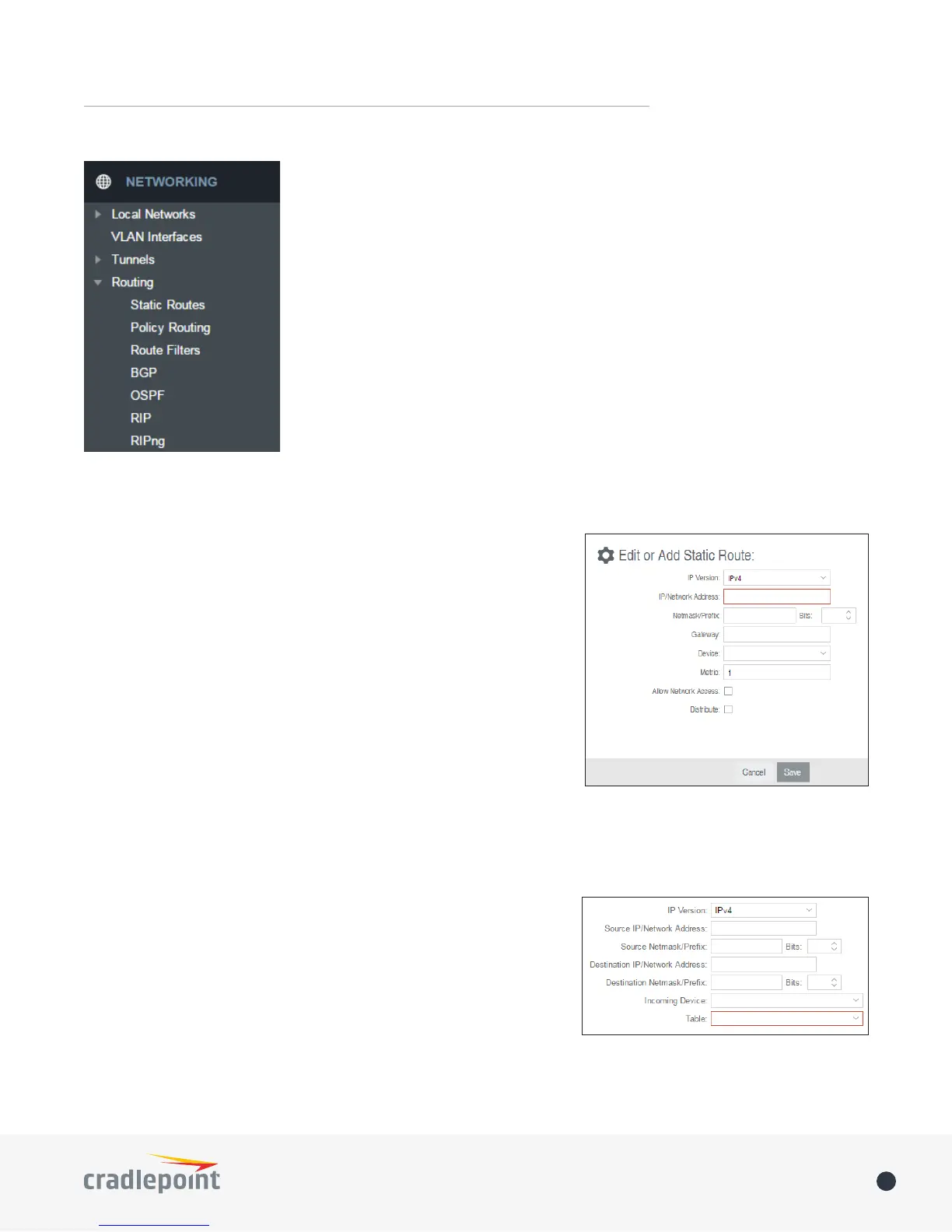
Click Add to create a new static route.
IP Version
IP/Network Address or IPv6 Address: The IP address of the target network
CIDR notation to declare a range of
addresses.
Netmask/Prex
the computer belongs to and which other IP addresses the computer can see in the same LAN. An IP address
192.168.0.0 to 192.168.0.255.
Gateway or IPv6 Gateway
LAN or WAN.
Device: Select the network interface from the dropdown menu (e.g.
Metric
Allow Network Access: (Default: Deselected.) Some static routes
will need an IP Filter Rule via the Firewall to allow packets through
creates this IP Filter Rule. If the IP/Network Address falls outside the
Distribute: Allow this static route to be distributed via a routing protocol (BGP, OSPF, RIP, RIPng).
POLICY ROUTING
evaluated when a certain set of conditions match. The evaluation
Route Policies:
Add.
• IP Version: Select the IP protocol version.
• Source IP/Network Address














 To Next Page