EasyManua.ls Logo

Cradlepoint AER2100 - Accessing the Administration Pages; First Time Setup Wizard

Cradlepoint AER2100
108 pages
Print Icon
To Next Page IconTo Next Page
To Previous Page IconTo Previous Page
Loading...
©2016 Cradlepoint. All Rights Reserved. | +1.855.813.3385 | cradlepoint.com
14
User Manual / AER2100
4/19/16
ACCESSING THE ADMINISTRATION PAGES


1. cp/” or “192.168.0.1” in the address bar. Press ENTER/RETURN.
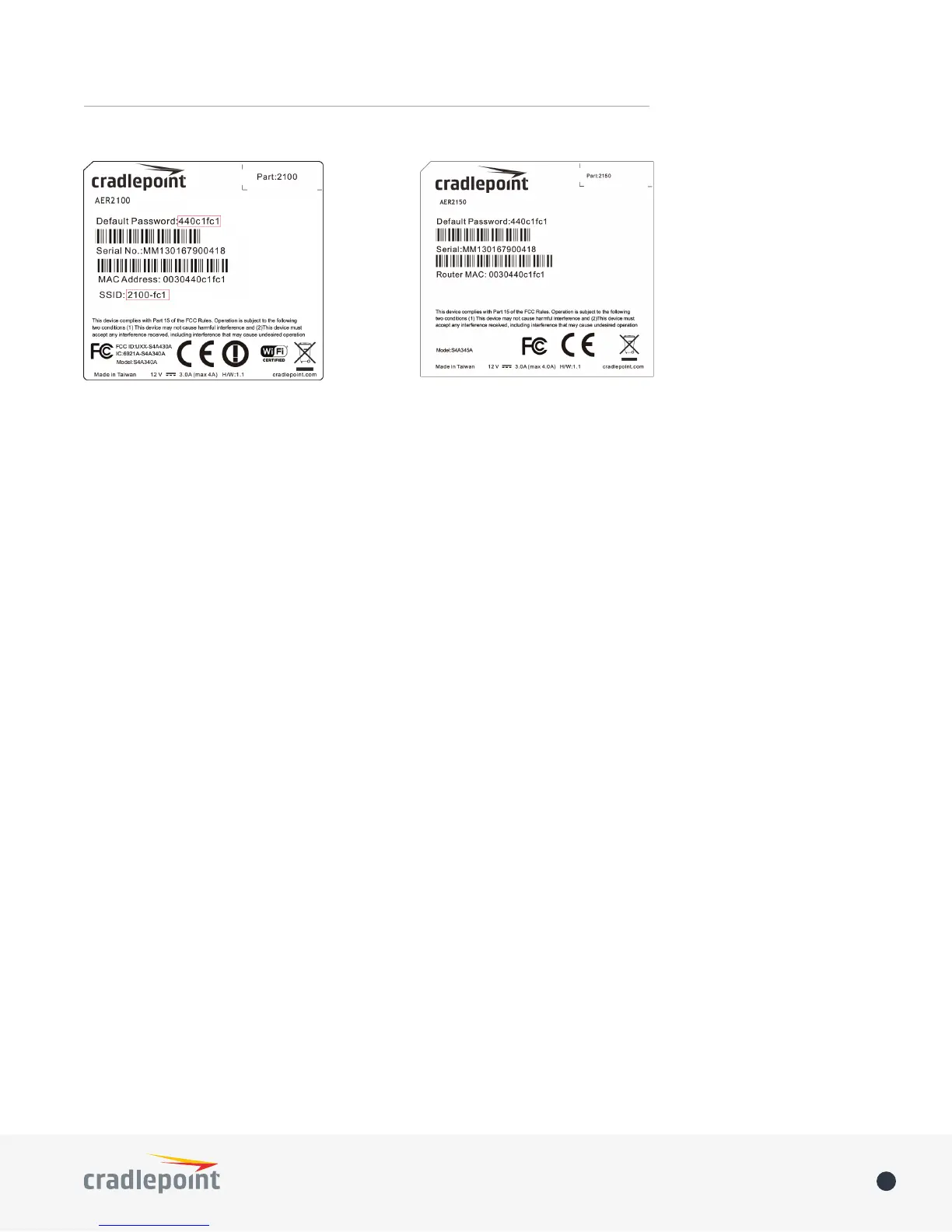
2. DEFAULT PASSWORD found on the product
label.
Enterprise Cloud
Manager (ECM) without logging into the local administration pages. Set up a group of routers and set the
below for more information about ECM.
FIRST TIME SETUP WIZARD
FIRST TIME SETUP WIZARD, which

the following:
• Administrator Password
• Time Zone
• WiFi Network Name
• 
• Access Point Name (APN) for SIM-based modems
• Modem Authentication
• Failure Check


NOTE: To return to the First Time Setup Wizard after your initial login, select SYSTEM from the navigation bar,
expand Setup Wizard, and select First Time Setup.