EasyManua.ls Logo

Cradlepoint AER2100 - Page 82

Cradlepoint AER2100
108 pages
Print Icon
To Next Page IconTo Next Page
To Previous Page IconTo Previous Page
Loading...
©2016 Cradlepoint. All Rights Reserved. | +1.855.813.3385 | cradlepoint.com
82
User Manual / AER2100
4/19/16
NETWORK WEB FILTER RULES







notation, e.g. 4.2.2.2/24.


example if access to maps.example.com is desired,

The addition of an allow rule for maps.example.

When creating rules keep in mind that some sites

rule added to produce the desired behavior.
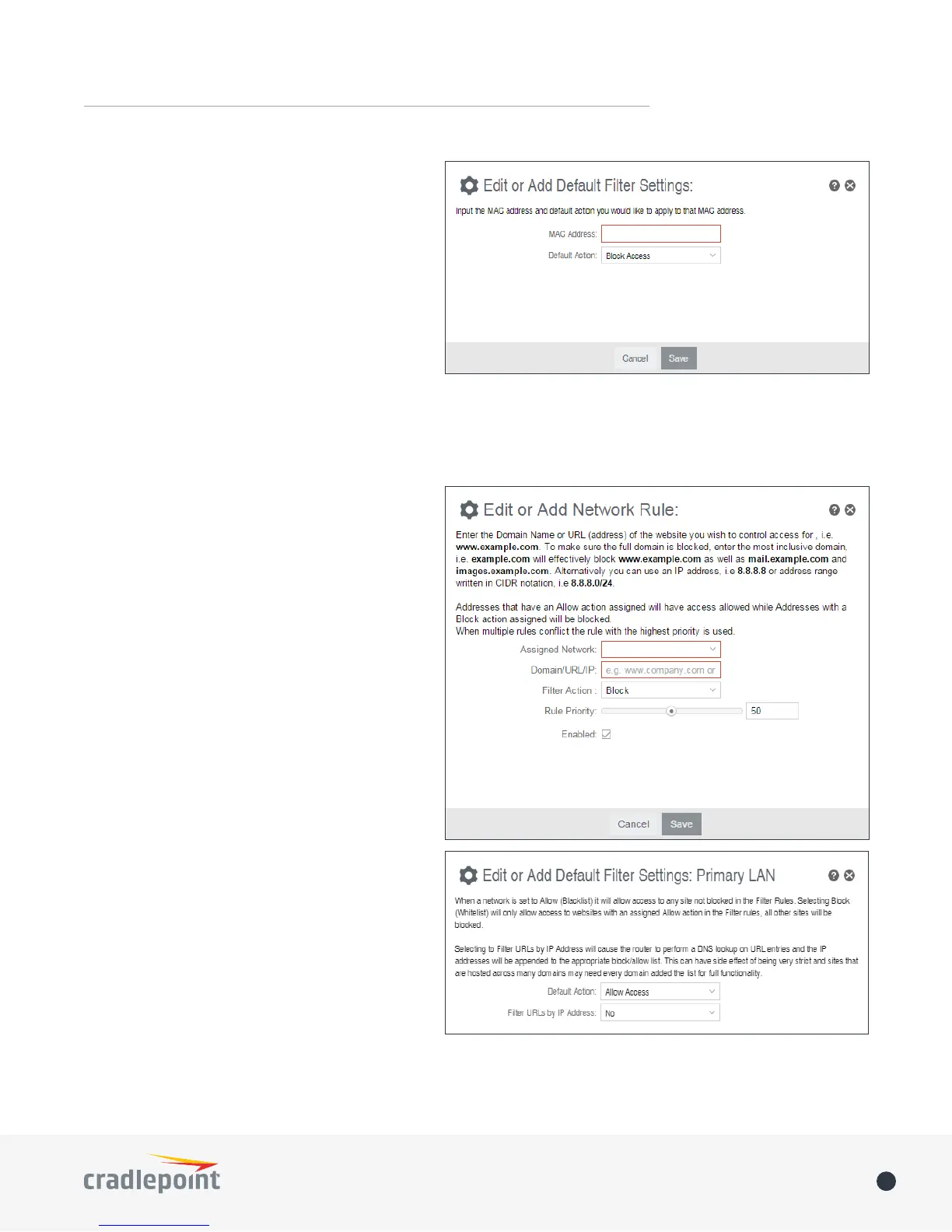
To add a Network Web Filter Rule, click Add.
Default Network Filter Settings
When a network is set to Allow (Blacklist) it will
allow access to those sites not blocked in the

allow access to websites with an Allow action in
the Filter rules, all other sites will be blocked.

the router to perform a DNS lookup on URL entries
and the IP addresses will be appended to the
appropriate block/allow list. This can have side


Edit button.
address is allowed website access. Click Add/Edit
to change this setting for a MAC address.
Input the MAC Address and Default Action

Default Action: Select from the following
dropdown options:
• Allow Access (default)
• Block Access
When a network is set to Allow Access, it will

WebFilter Rules. When a network is set to Block
Access