Page 13
SNACK/REFRESHMENT CENTER PROGRAMMING GUIDE
1670002
April, 1999
SELECT CARD READER AND OPTIONS
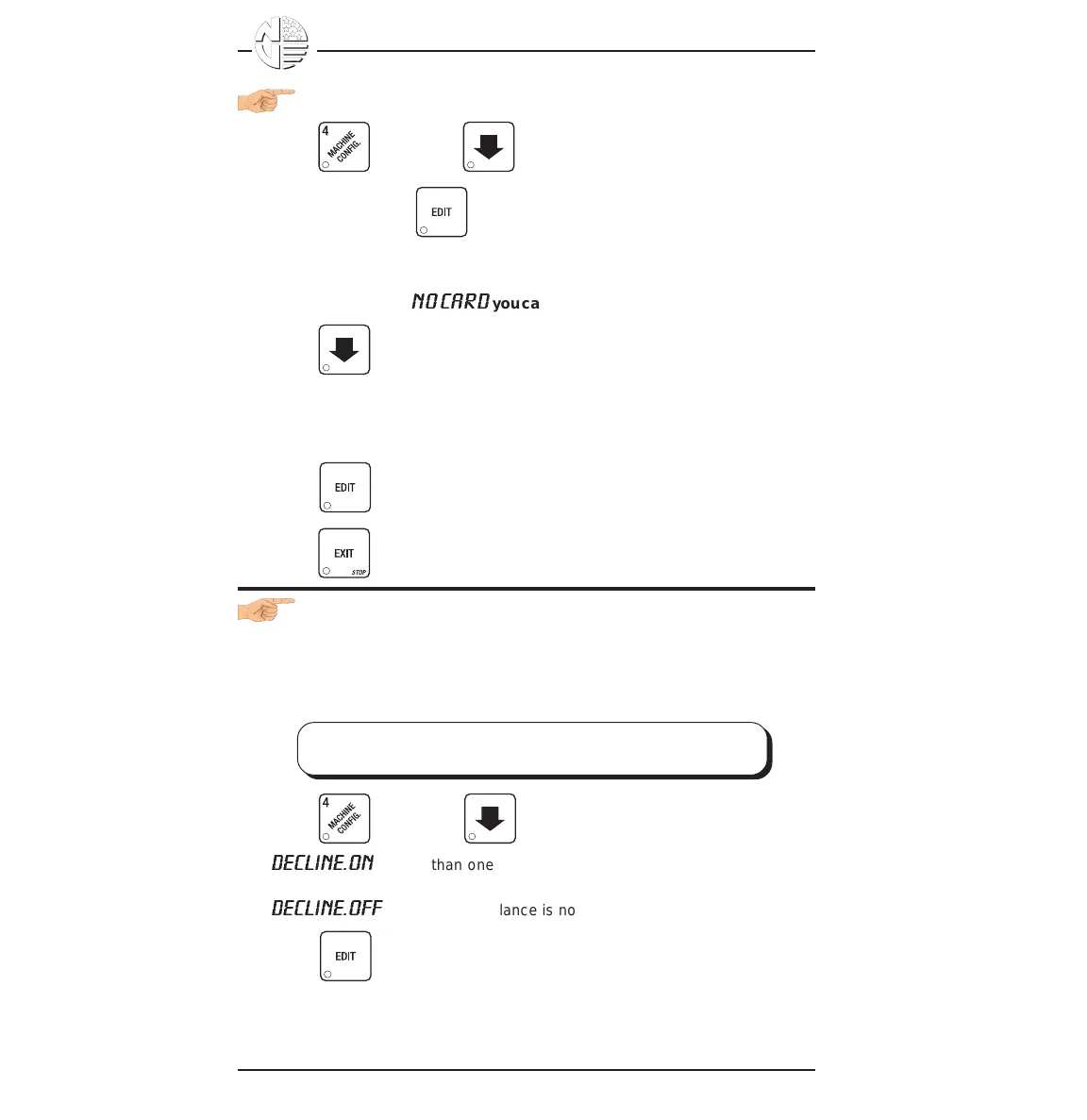
1. Press , then press until the current card reader is shown in
the display. Press to choose the desired card reader.
Your choices are: NO CARD, DUMB CARD, or MDB CARD.
NOTE
If you selected
NO CARD
you can exit the function.
2. Press until one of the following is displayed:
REVALUE.ON - Allows credit to be transferred onto the card
REVALUE.OFF - Credit cannot be transferred to the card
Press to display the desired choice.
3. Press until you have left the function.
SELECT MONETARY OPTIONS
This function lets you:
• Set declining balance,
• Set currency acceptance on low change,
• Set overbuy options,
• Set last bill stacking options
1. Press , then press until one of the following is displayed:
DECLINE.ON
- More than one vend is allowed, with a declining balance.
OR
DECLINE.OFF
- A declining balance is not allowed.
Press to display the desired choice.
Once credit is established, multiple vends
may occur until the coin return is pressed.
DECLINING
BALANCE:





 To Next Page