Page 30April, 1999
SNACK/REFRESHMENT CENTER PROGRAMMING GUIDE
1670002
STANDBY
The message that is displayed during normal vending periods
MESSAGE
: when there are no out-of-service faults on the machine.
SELECT A STANDBY MESSAGE
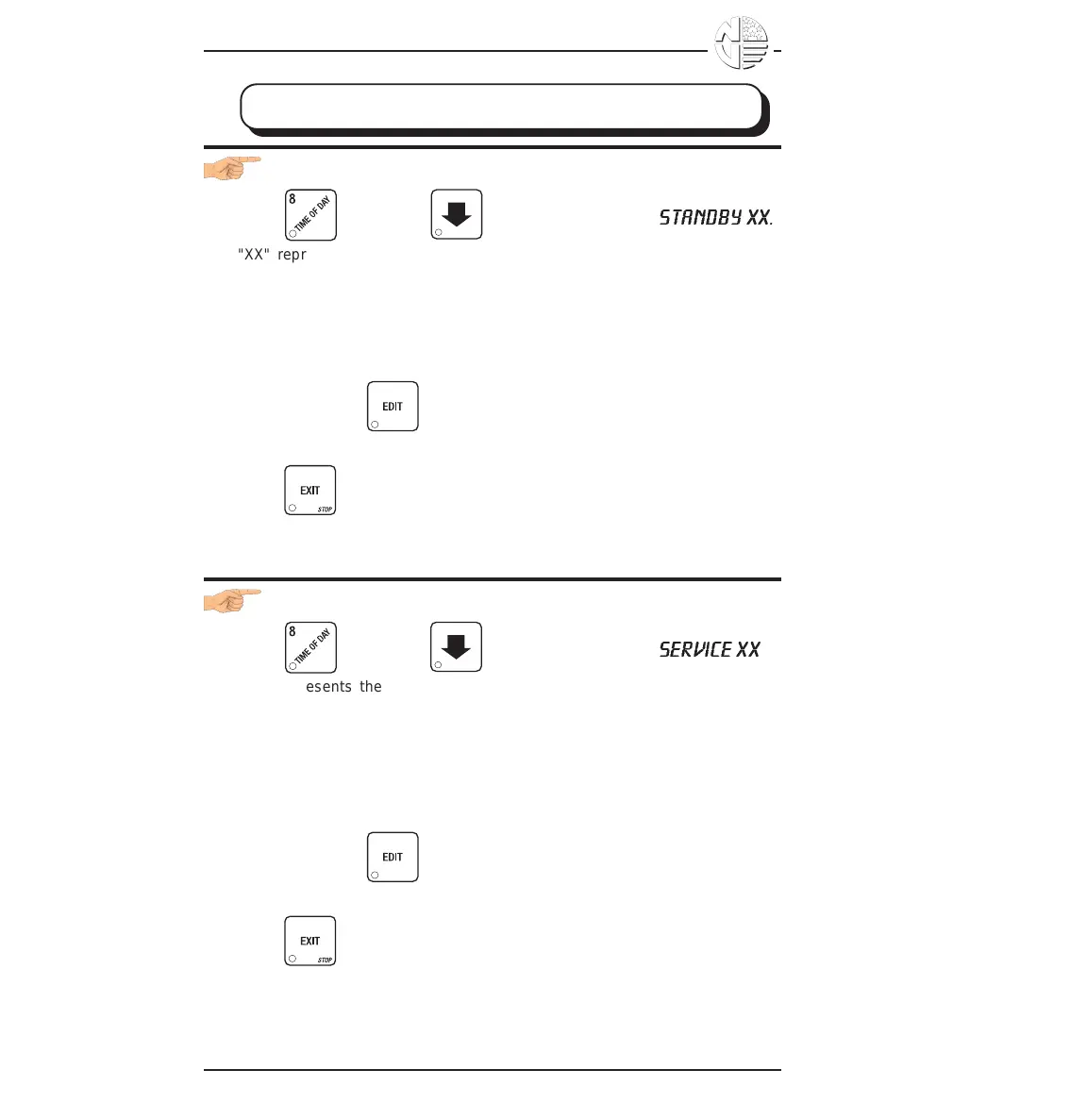
1. Press , then press until the display shows
STANDBY XX
.
"XX" represents the current message number selected for the standby
message. Two dashes mean that the factory-set message is selected.
2. To select a message, just press the corresponding number (1 through 8).
To display the factory-set message, press 0.
3. The selected message (except the factory-set message) can be edited.
To do this, press and follow the procedure given in EDIT CUS-
TOM MESSAGES.
4. Press until you have left the function.
SELECT AN OUT-OF-SERVICE MESSAGE
1. Press , then press until the display shows
SERVICE XX
.
"XX" represents the current message number selected to display when
the machine is out-of-service. Two dashes mean that the factory-set
message is selected.
2. To select a message, just press the corresponding number (1 through 8).
To display the factory-set message, press 0.
3. The selected message (except the factory-set message) can be edited.
To do this, press and follow the procedure given in EDIT CUS-
TOM MESSAGES.
4. Press until you have left the function.





 To Next Page