Page 25
SNACK/REFRESHMENT CENTER PROGRAMMING GUIDE
1670002
April, 1999
SET TEMPERATURE (SUPERVISOR MODE ONLY)
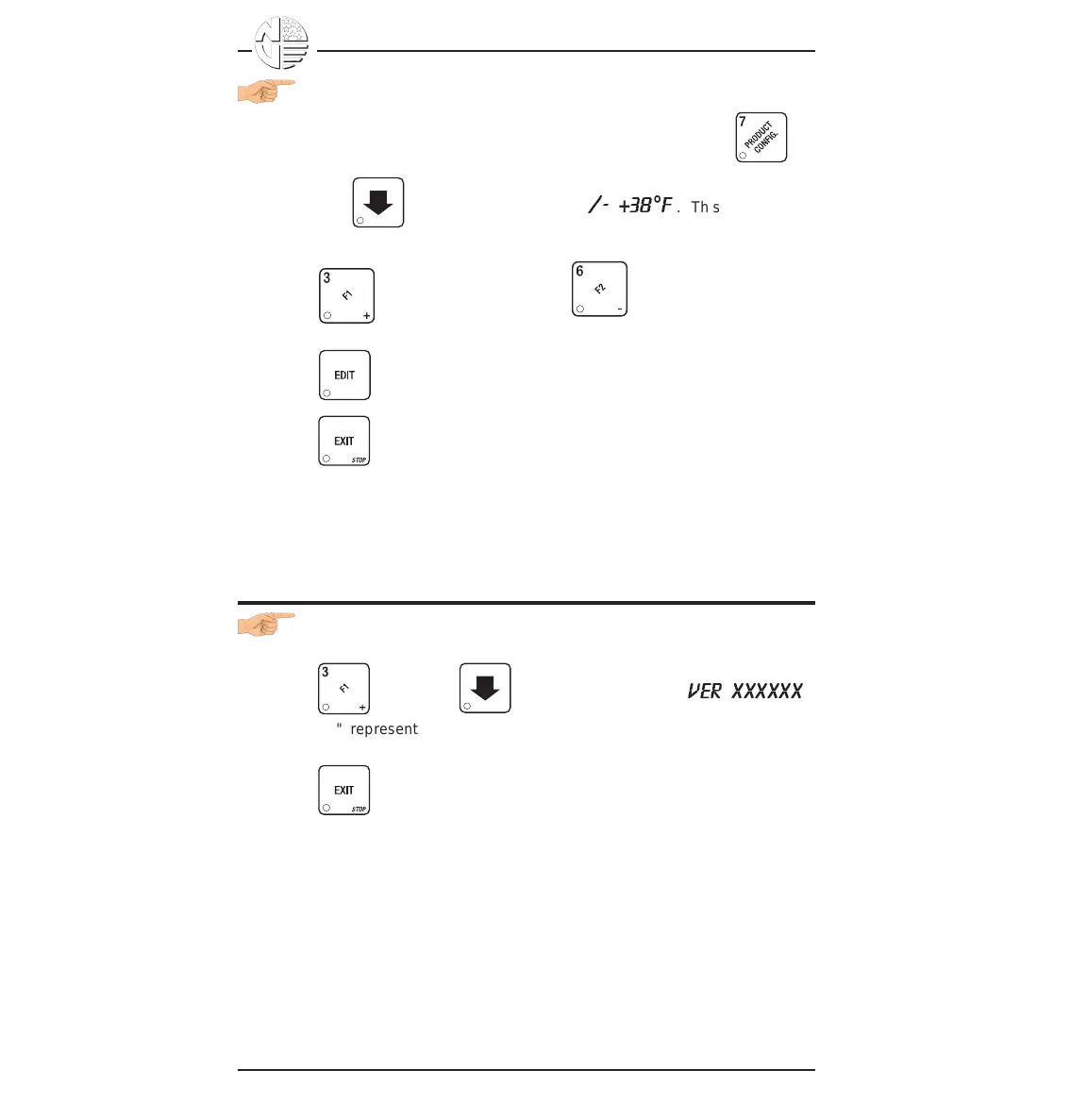
1. If your machine is configured with a refrigerated module, press ,
then press until the display shows +
/-
+
38
°
F
. This means that
38°F is the current temperature setting.
2. Press to raise the setting; press to lower the setting.
3. Press to choose between display in °F or °C.
4. Press until you have left the function.
VIEW SOFTWARE VERSION
1. Press , and press until the display shows
VER XXXXXX
.
"XXXXXX" represents the curent software version number.
2. Press until you have left the function.





 To Next Page