Page 43
SNACK/REFRESHMENT CENTER PROGRAMMING GUIDE
1670002
April, 1999
VIEW MACHINE ID NUMBER
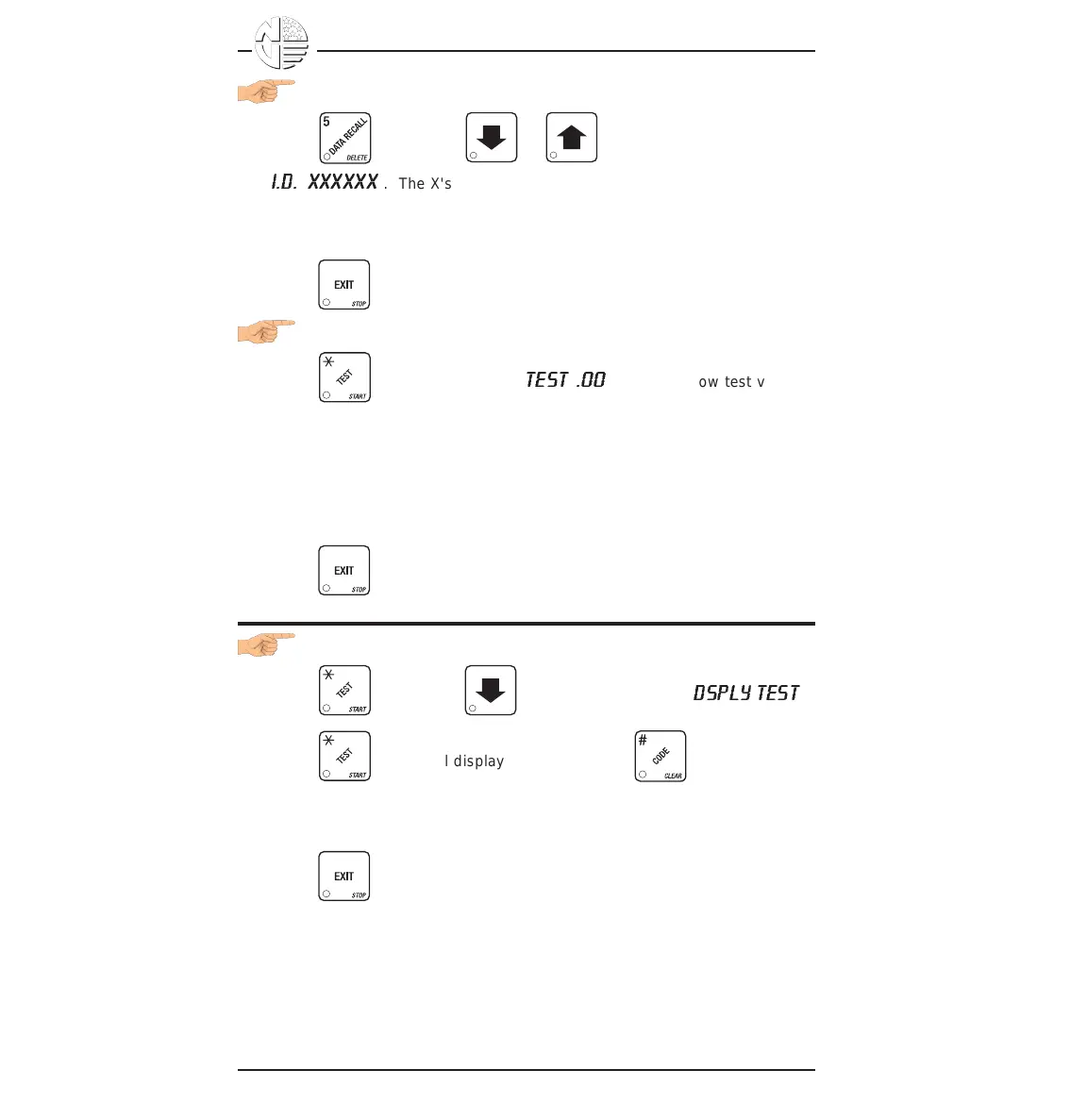
1. Press , then press or until the display shows
I.D. XXXXXX
. The X's represent the 6-digit machine ID number.
2. You can edit the machine ID number if the SUPERVISOR access code has
been previously entered.
3. Press until you have left the function.
TEST VEND SELECTIONS AND VERIFY CREDIT ADDED
1. Press . The display shows
TEST .00
. You may now test vend
selections. If you insert money into the machine, the zeros in the display
will be replaced with the amount of the credit. After the item vends, your
money will be returned.
NOTE
You may make one more test vend if you close the door while
still in TEST VEND mode.
2. Press until you have left the function.
TEST THE DISPLAY
1. Press , then press until the display shows
D
SPLY TEST
.
2. Press to light all display segments; press to turn them off.
3. Pressing a NUMBER KEY on the control panel causes all segments to
display that character.
4. Press until you have left the function.





 To Next Page