Page 47
SNACK/REFRESHMENT CENTER PROGRAMMING GUIDE
1670002
April, 1999
TEST THE BREWER
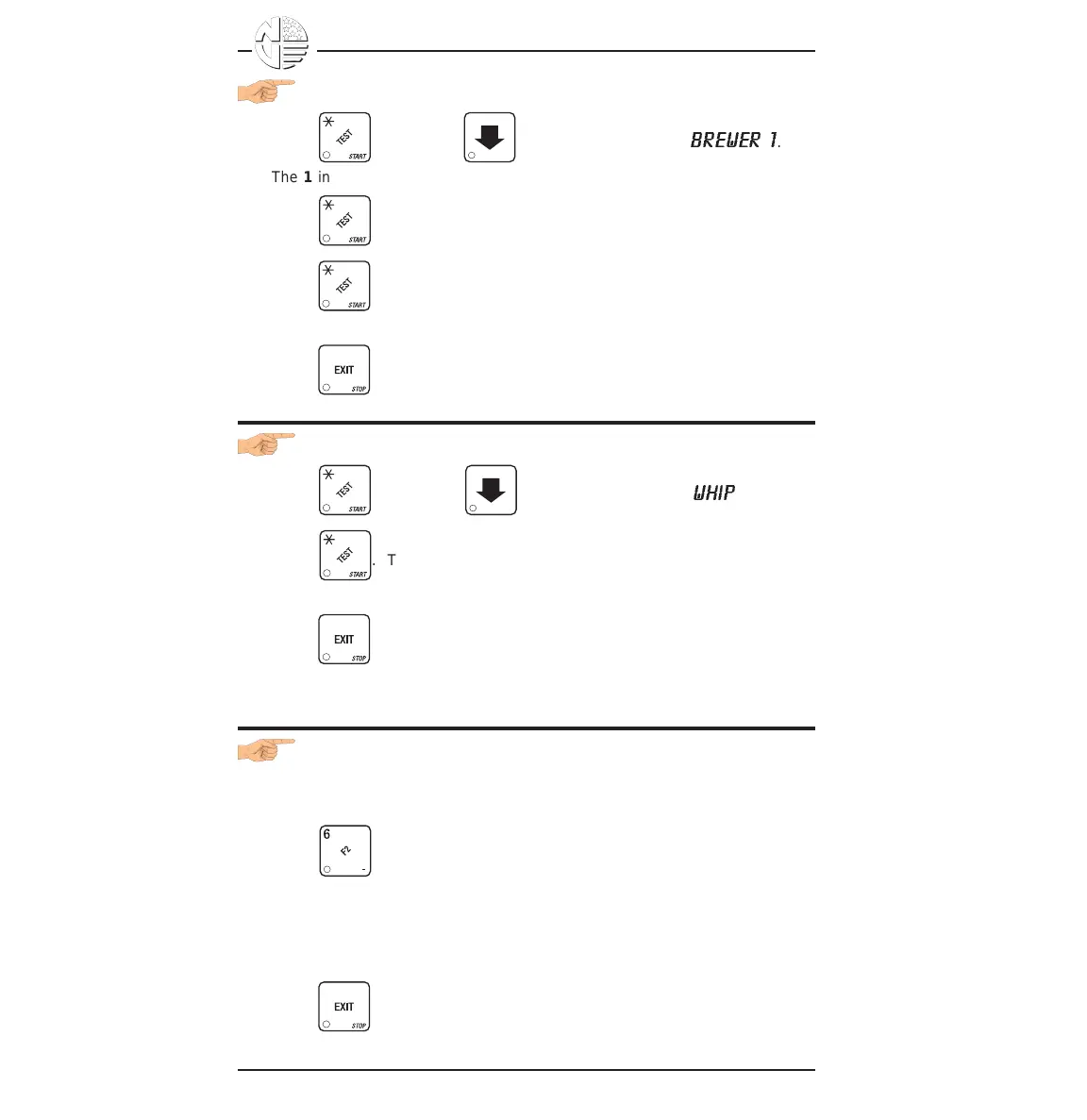
1. Press , then press until the display shows
BREWER 1
.
The 1 in the display means the brewer is in the "home" position.
2. Press once. The brewer moves to the next position. Continue to
press until the 1 is displayed again, meaning the brewer is
"home".
3. Press until you have left the function.
TEST THE WHIPPER(S)
1. Press , then press until the display shows
WHIP
.
2. Press . The whipper runs for one cycle. If more than one whipper
is installed, each will run for one cycle.
3. Press until you have left the function.
DOWNLOAD DATA TO A PDCD
1. Connect your portable data collection device (PDCD) per its operating
instructions.
2. Press . Data is downloaded into your PDCD.
NOTE
Depending upon the setting selected in set PRINTER OR DEX
OPTIONS, data may be cleared after the download is
complete.
3. Press until you have left the function.





 To Next Page