Page 29
SNACK/REFRESHMENT CENTER PROGRAMMING GUIDE
1670002
April, 1999
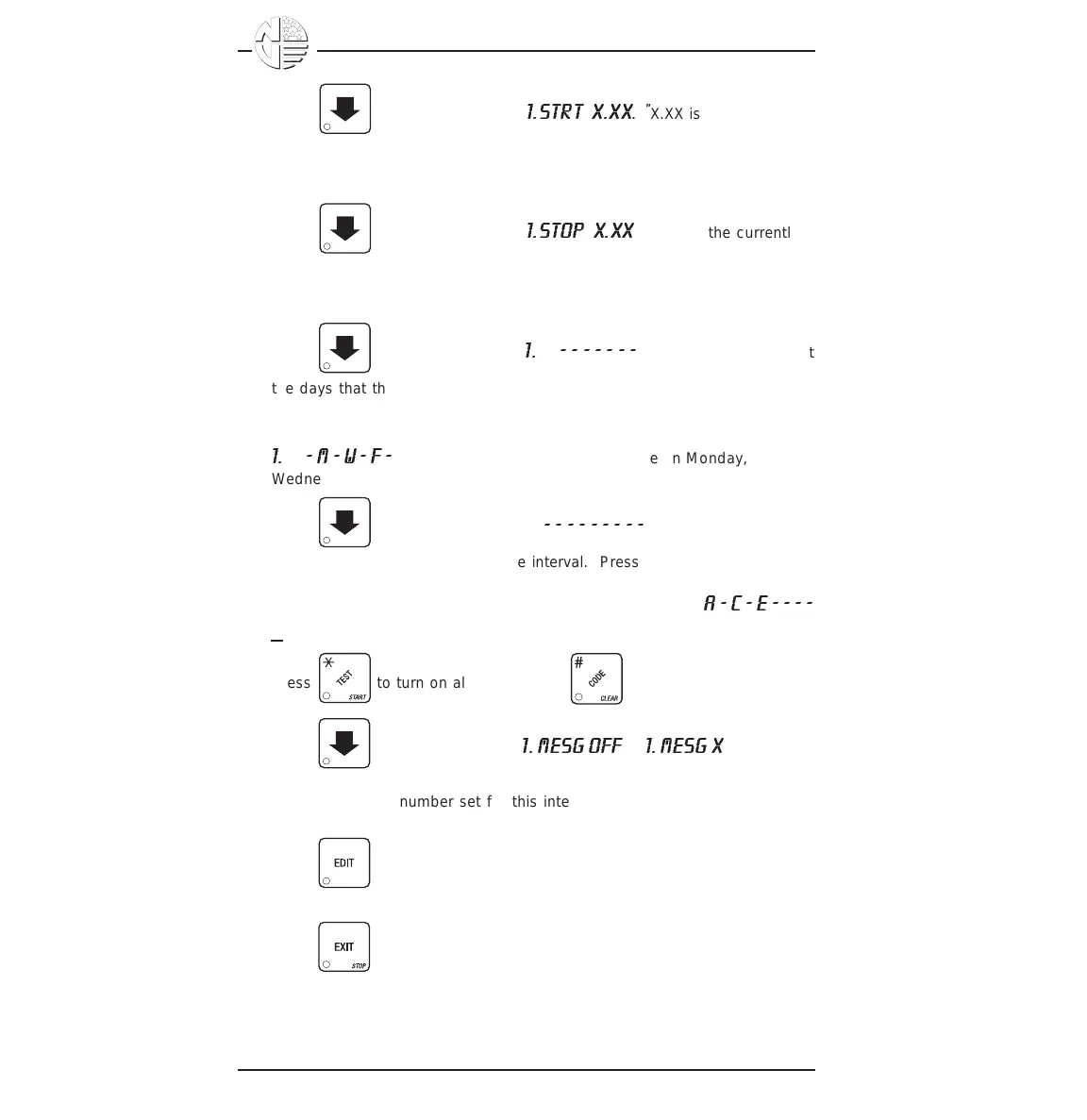
4. Press . The display shows
1.STRT X.XX
. "X.XX is the currently
set start time. Enter a new start time (24-hour format) for this interval. To
enter the time for 3:30 pm, enter 1530.
5. Press . The display shows
1.STOP X.XX
. "X.XX is the currently
set stop time. Enter a new stop time (24-hour format) for this interval. To
enter the time for 6:00 pm, enter 1800. You have now established a 25%
discount that starts at 3:30 pm and ends at 6:00 pm.
6. Press . The display shows
1.
@
- - - - - - -
. The dashes represent
the days that this time interval is active. Pressing number keys 1 through
7 switches the days on/off. For example, press "2", "4", and "6". The
display now shows
1.
@
- M - W - F -
. This discount interval is only active on Monday,
Wednesday, and Friday.
7. Press . The display shows
*
- - - - - - - - -
. The dashes repre-
sent the trays affected by this time interval. Press the appropriate letter
key to enable a tray, press the key again to disable it. For example,
pressing A, C, and E will cause the display to look like this:
A - C - E - - - -
_
, meaning that all A, C, and E selections are affected by this interval.
Press to turn on all levels; press to turn all levels off.
8. Press . The display shows
1. MESG OFF
or
1. MESG X
. "OFF"
means there is no custom message selected, and "X" represents the
custom message number set for this interval. Press the number key of
the message (1 through 8) you want displayed. To edit this message,
press and follow the procedure given in EDIT CUSTOM MES-
SAGES. Press 0 to turn the message OFF for this time interval.
9. Press until you have left the function.





 To Next Page