Page 16April, 1999
SNACK/REFRESHMENT CENTER PROGRAMMING GUIDE
1670002
AN EXAMPLE . . .
You want to enable winners on all trays except E and F. Do the following:
a. Press . The letters
A
through
J
appear in the display instead
of the dashes.
b. Press "E" and "F". The letters
E
and
F
in the display are replaced
by dashes.
4. Press until you have left the function.
SET MACHINE CONFIGURATION
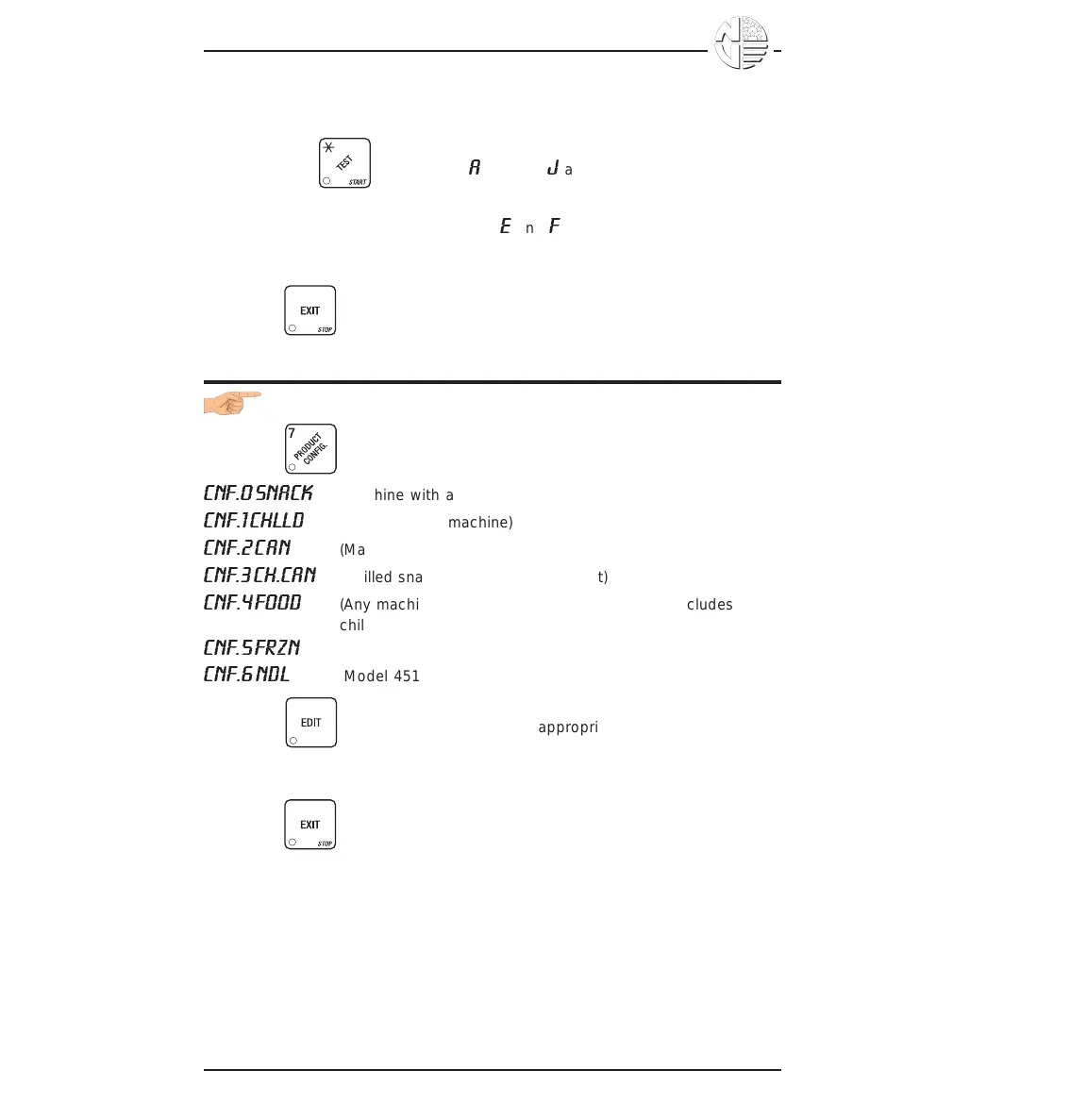
1. Press . One of the following is displayed:
CNF.0 SNACK
(Machine with all trays)
CNF.1 CHLLD
(Chilled snack machine)
CNF.2 CAN
(Machine with can unit)
CNF.3 CH.CAN
(Chilled snack machine with can unit)
CNF.4 FOOD
(Any machine with refrigerated food module - includes
chilled)
CNF.5 FRZN
(Any machine with frozen food module - includes chilled)
CNF.6 NDL
(Model 451 noodle machine only)
2. Press to select the configuration appropriate to your machine.
BE CAREFUL to select the right configuration, because selecting the
wrong one will affect other choices later on, and could cause problems.
3. Press until you have left the function.





 To Next Page