2-12 Modem Installation
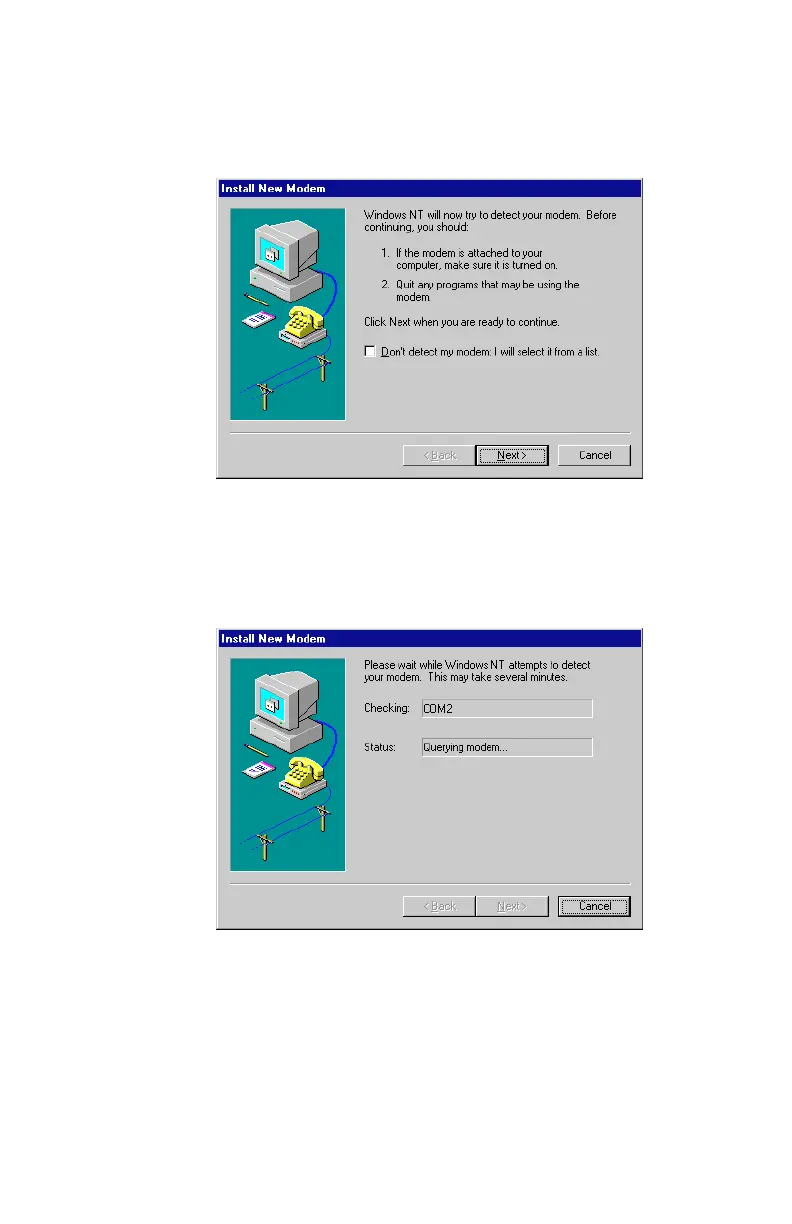
3. The
Install New Modem
dialog box, similar to
Figure 2-14
,will
then appear. Click Next to continue.
4. Once Next is clicked, Windows NT starts to automatically
detect the Modem Blaster, similar to
Figure 2-15
.
Figure 2-14: A pre new modem installation message dialog box
Figure 2-15: NT is detecting your new modem













 To Next Page