Modem Installation 2-13
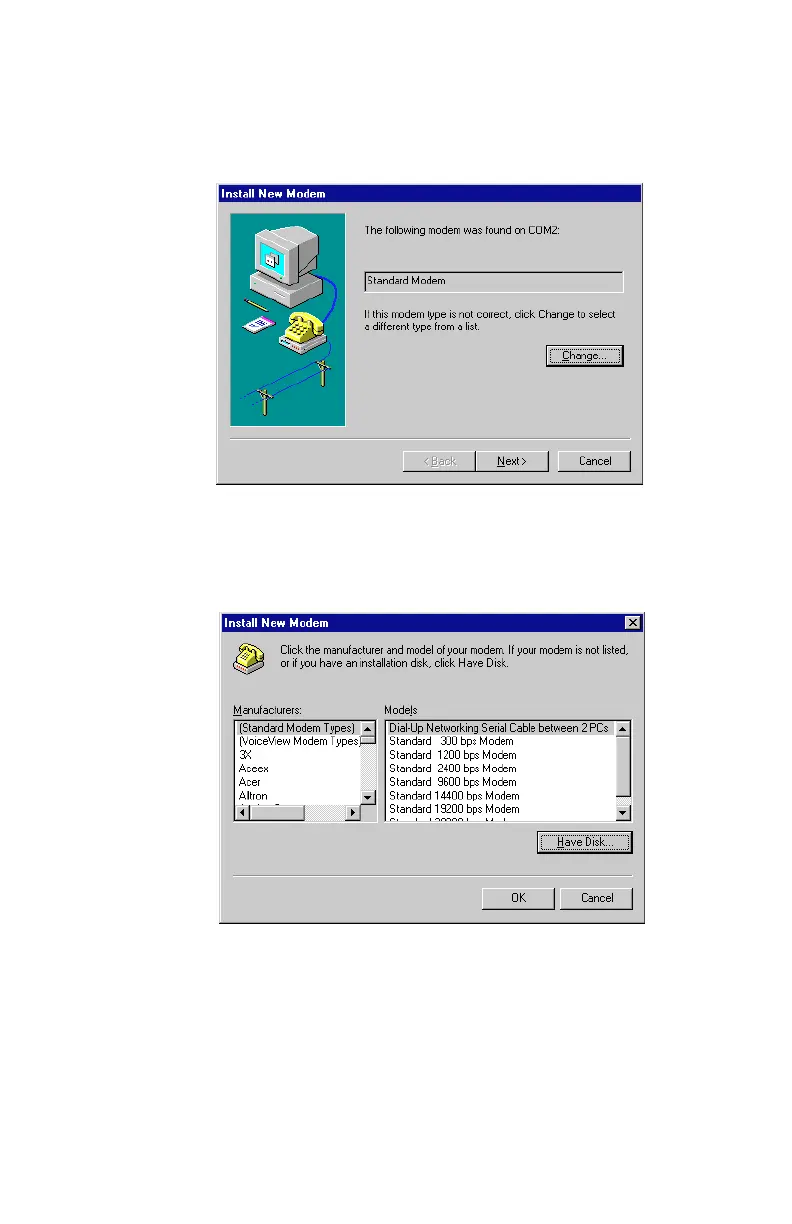
5. The operating system will initially find the Modem Blaster as
a Standard Modem, similar to what is seen in
Figure 2-16
.
6. Select the Change option to begin installing the correct
modem driver. A dialog box similar to
Figure 2-17
will appear.
Figure 2-16: A new modem device is detected
Figure 2-17: Select ‘Have Disk’ to continue













 To Next Page