2-14 Modem Installation
Most modern phone systems use tone dialling. If,
however, your phone system supports pulse dialling,
the appropriate drivers can be found in the
\Drivers\pulse\ english directory.
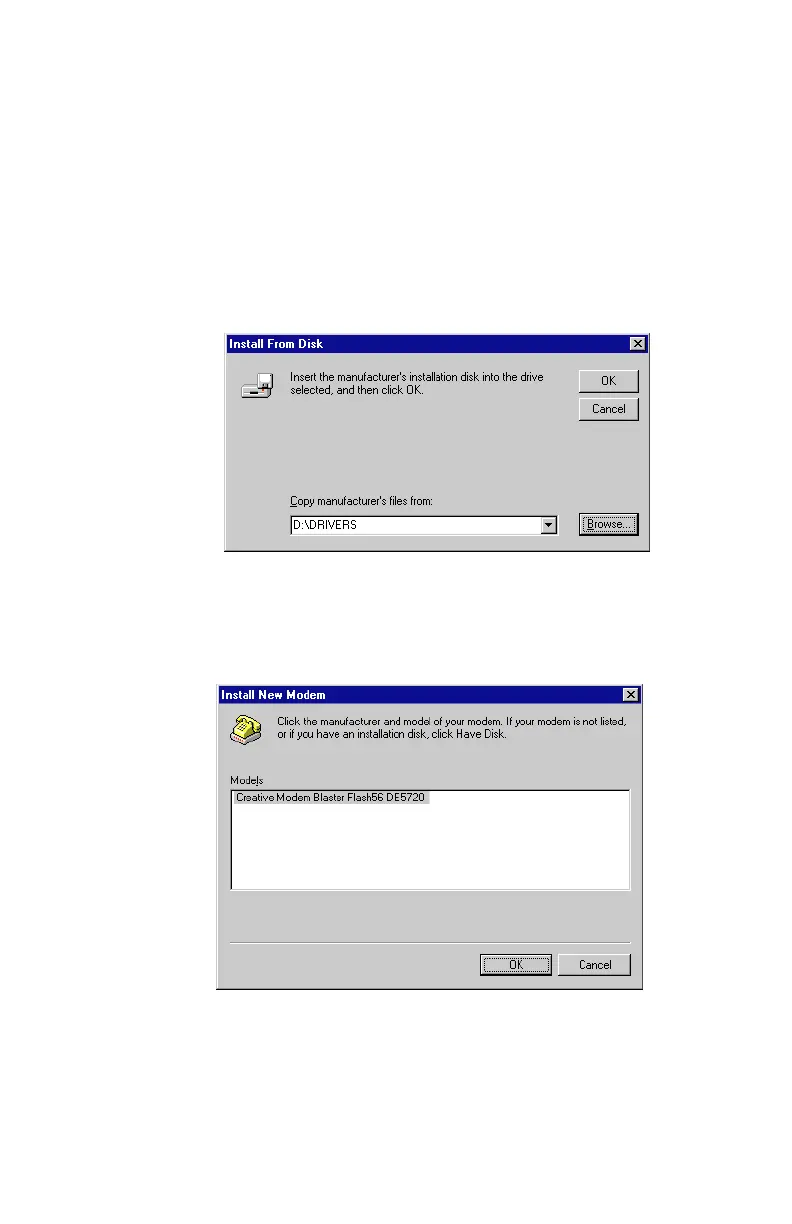
7. Select the
Have Disk
option. A dialog box similar to
Figure 2-18
will appear; click on
Browse
and locate the
Drivers
folder of the
Software and Modem Installation
CD
(e.g.
D:\Drivers
or
E:\Drivers
). Once found, click on
OK
option to continue.
8. The next dialog box appears will indicate the modem driver has
been found, as seen similar to
Figure 2-19
.
Figure 2-18: Browse to locate the correct modem driver on supplied CD-ROM
Figure 2-19: Your new modem driver is found













 To Next Page