Modem Installation 2-15
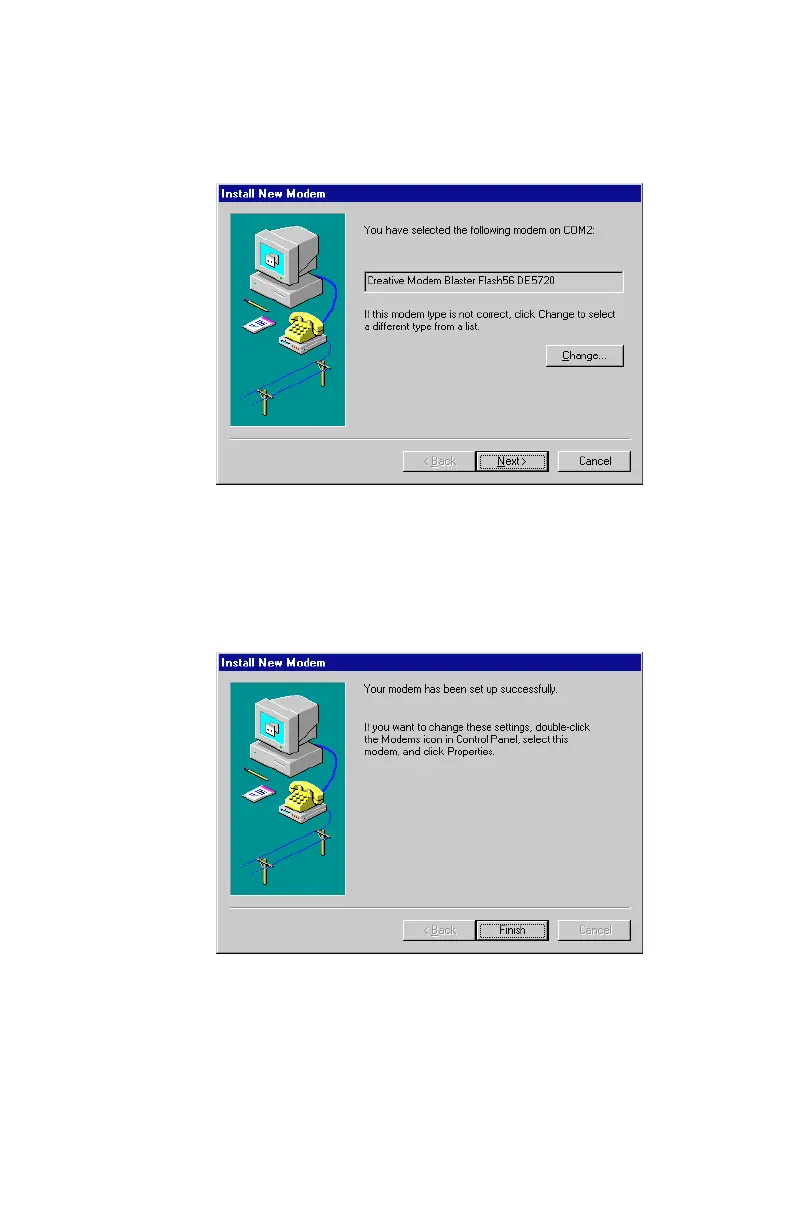
9. Click OK, and a dialog box similar to
Figure 2-20
will appear.
Click Next to continue.
10.The final .”
Install New Modem”
dialog box will appear next,
as seen similar to
Figure 2-21
. Click on Finish to complete the
modem installation.
Figure 2-20: Windows NT confirms your new modem
Figure 2-21: Modem driver installation is complete













 To Next Page